EasyManua.ls Logo

Dr.Meter IR-60 - Replacing the Battery

Default Icon
7 pages
Print Icon
To Next Page IconTo Next Page
To Previous Page IconTo Previous Page
Loading...
Electro-Polished
0.15
Iron
Oxidized
0.5~0.9
Rusted
0.5~0.7
Iron(Cast)
Oxidized
0.6~0.95
Non-oxidized
0.2
Melt & cast
0.2~0.3
Iron(Forged) Passivated
0.9
Lead
Rough
0.4
Oxidized
0.2~0.6
Mo Oxidized
0.2~0.6
Nickel Oxidized
0.2~0.5
Platinum Black
0.9
Steel
Cold rolled
0.7~0.9
Polished plate
0.4~0.6
Polished plate
0.1
Zinc
Oxidized
0.1
Asbestos
0.95
Asphalt
0.95
Basalt stone
0.7
Carbon
0.8~0.9
Non-oxidized
0.7~0.8
Graphite
0.9
Silicon Carbide
0.95
Clay
0.95
Concrete
0.95
Fabric
0.95
Glass plate
0.85
Sand-gravel
0.95
Gypsum
0.8~0.95
Ice
0.98
Limestone
0.98
Paper
0.95
plastic
0.95
Soil
0.9~0.98
Water
0.93
Wood (natural)
0.9~0.95
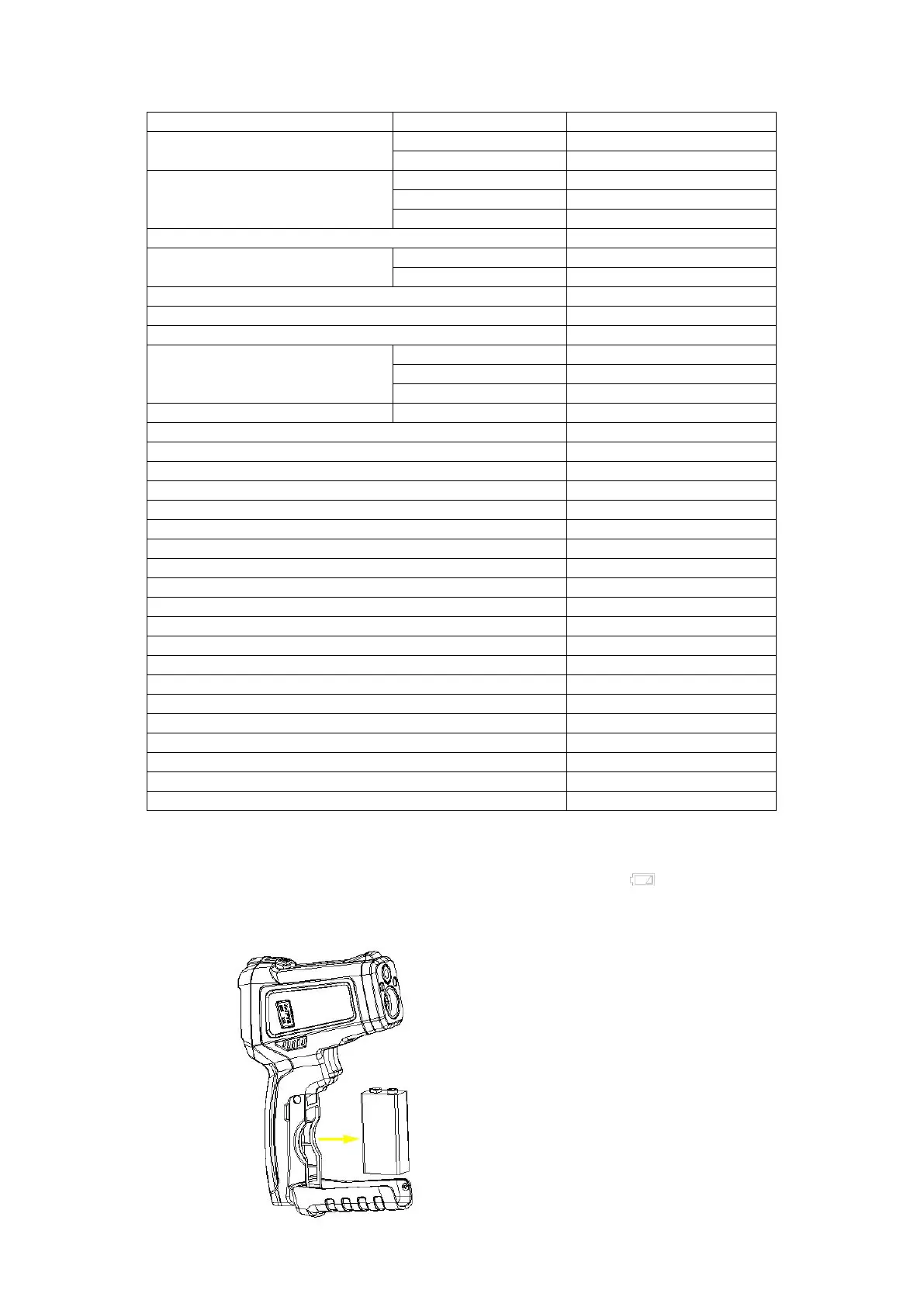
9. Battery replacement
When the battery's power is low, the top right corner will display .
To replace the battery, open the battery cover and replace the old battery with a new
9V battery as shown in the illustration below: