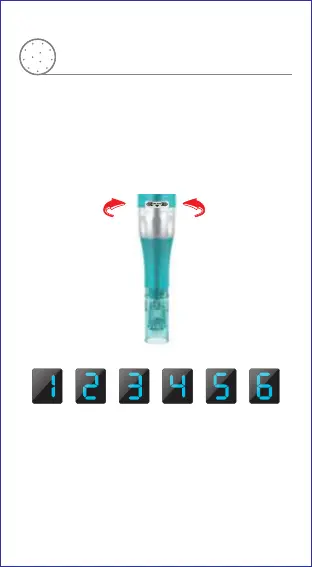
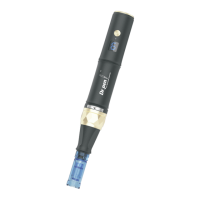
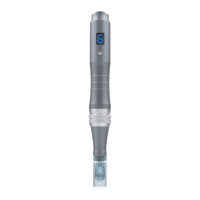
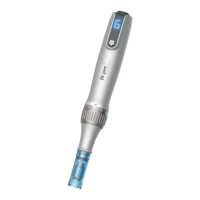
Speed Display
How to operate
Speed Adjustment
The speed changes once each time you press
the button
The speed after start the device is the same as
the speed before shutdown
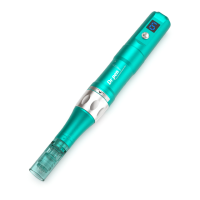
Adjust the depth of needle by turning the scale
adjustment ring
Turn it clockwise,needle depth will be shorter
Turn it counterclockwise,needle depth will be longer
Adjustment of needle length
Counter ClockwiseClockwise
The depth will be longer
The depth will be shorter


 To Next Page