8 DR
®
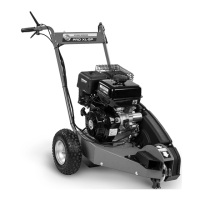
PRO XL-SP STUMP GRINDER
Assembly Instructions
Tools & Supplies Needed:
1/2" Wrench
Two 9/16" Wrenches
5.5mm Allen Wrench
Blocks
Philips Head Screwdriver or 5/16" Wrench
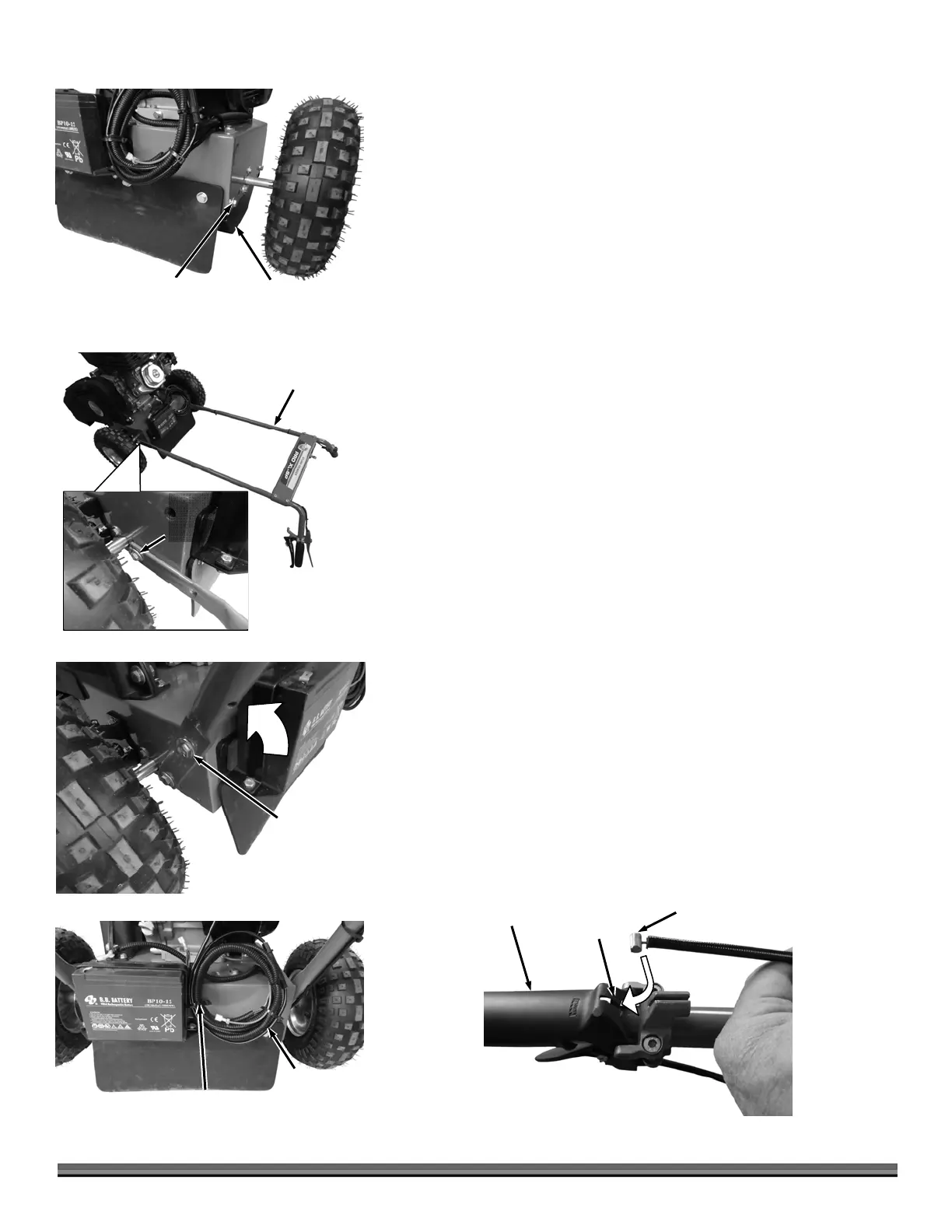
1. Remove the four Bolts and Flat Washers that secure the corners of the Chain
Drive Guard to the Frame using a 1/2" Wrench (Figure 4). Remove the
Guard from the frame and set it aside.
2. Position the Handlebar on the floor behind the machine and align the holes
at the end of the Handlebar with the center holes (of the 3 holes) in the
Frame (Figure 5).
Note: The center hole mentioned above is for a medium height setting. You could
use the bottom hole if you want a higher setting or the top hole if you want a lower
setting. The setting can always be changed at a later time.
3. Install a 3/8-16 x 1-1/4" Bolt, 3/8" Washer (outside) and 3/8" Locknut and
3/8" Washer (inside) into the lower Handlebar holes on each side. Tighten
using two 9/16" Wrenches (not too tight so the Handlebar can be rotated in
the next step).
4. Rotate the Handlebar up and install a 3/8-16 x 1-1/4" Bolt and 3/8" Washer
on both sides to hold the Handlebar upright (Figure 6). Tighten all
Handlebar Hardware using 9/16" Wrenches.
5. Reinstall the Chain Drive Guard you removed in step 1.
6. Cut the Cable Ties securing the Wire Harness and Traction Drive Cable to
the rear of the machine (Figure 7).
7. Separate the Traction Drive Cable From the Harness.
8. Install the Barrel end of the Drive Cable into the slot in the Traction Drive
Lever (Figure 8). Use a Flat Head Screwdriver to push the Barrel end under
the Lever so the Cable can slide up into the slot.
Note: If the Traction Control Cable is too difficult to install even when using the
Screwdriver, it may help to extend the Cable by turning the Adjuster shown in Figure
10. It will need to be turned counterclockwise (opposite as shown). Remember to
adjust properly as described in step 10 after Cable is filly installed.
Traction Drive
Cable Barrel End
Figure 8
Traction Drive
Leve
Slot
Wire Harness
and Traction
Drive Cable
Figure 7
Cable Ties
Bolt and
Flat Washer
Figure 6
Handlebar
ssembly
Figure 5
Bolt, Flat
Washers and
Locknut
Chain Drive
Guar
Figure 4
Bolts and
Flat Washer


 To Next Page
 Loading...