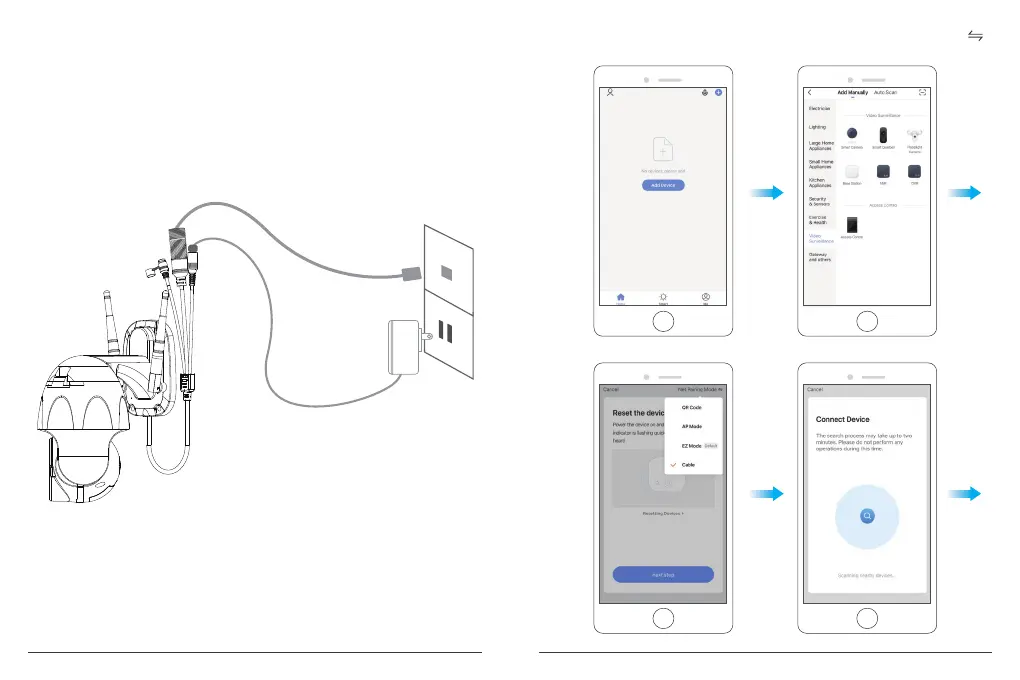
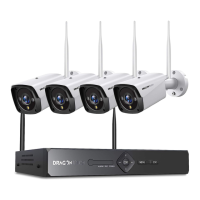
B. Configure through LAN Cable
Note: If you want to configure through LAN, please make sure there is LAN Cable on the
wall or ceiling where you want to install. If yes, please add your camera as following steps.
① Power on the Camera
If you want to insert microSD Card, please do it before installing camera on the wall.
Plug the LAN Cable into the RJ45 port and plug the power adapter into the outlet.
The camera will rotate to complete self-test. After that, you will hear the sound "Wait for
Wi-Fi config".
② Click “Add Device → Video Surveillance → Smart Camera → Net Paring Mode
Cable → next step → Bind → Done”.
9 10


 To Next Page