OVERVIEW OF MODES
There are 8 modes: Video, Photo, Video Playback, Photo Playback, Video Setting,
Photo Setting, General Setting and System Setting.
VIDEO MODE
Video Mode is the default mode when you turn on the camera.
In Video Mode, press Shutter button, the camera starts recording video. Press Shutter
button to stop recording video.
PHOTO MODE
Press Mode button once to switch to Photo Mode after you turn on camera. In Photo
Mode, press Shutter button, the camera takes a photo.
4K/30FPS
TF
08/20/2018 09:20:15 00:05:10
TF
08/20/2018 09:25:21
16M
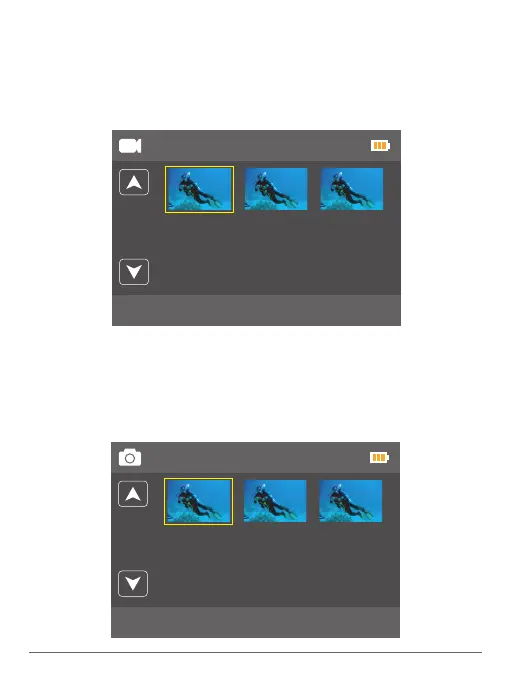
VIDEO PLAYBACK MODE
Press Mode button several times to switch to Video Playback Mode.
In Video Playback Mode, press the Up / Down button to scroll through the video files.
Press Shutter button to open video in full-screen view. Press and hold the Up button for 3
seconds to delete the video.
PHOTO PLAYBACK MODE
Press Mode button several times to switch to Photo Playback Mode.
In Photo Playback Mode, press the Up / Down button to scroll through the Photo files.
Press Shutter button to open photo in full-screen view. Press and hold the Up button for 3
seconds to delete the photo.
1/1
IMG180820-092521F.JPG
08/20/2018 09:25:21
1/1
FILE180820-092015F.MOV
08/20/2018 09:20:15 00:05:10
05 06


 To Next Page