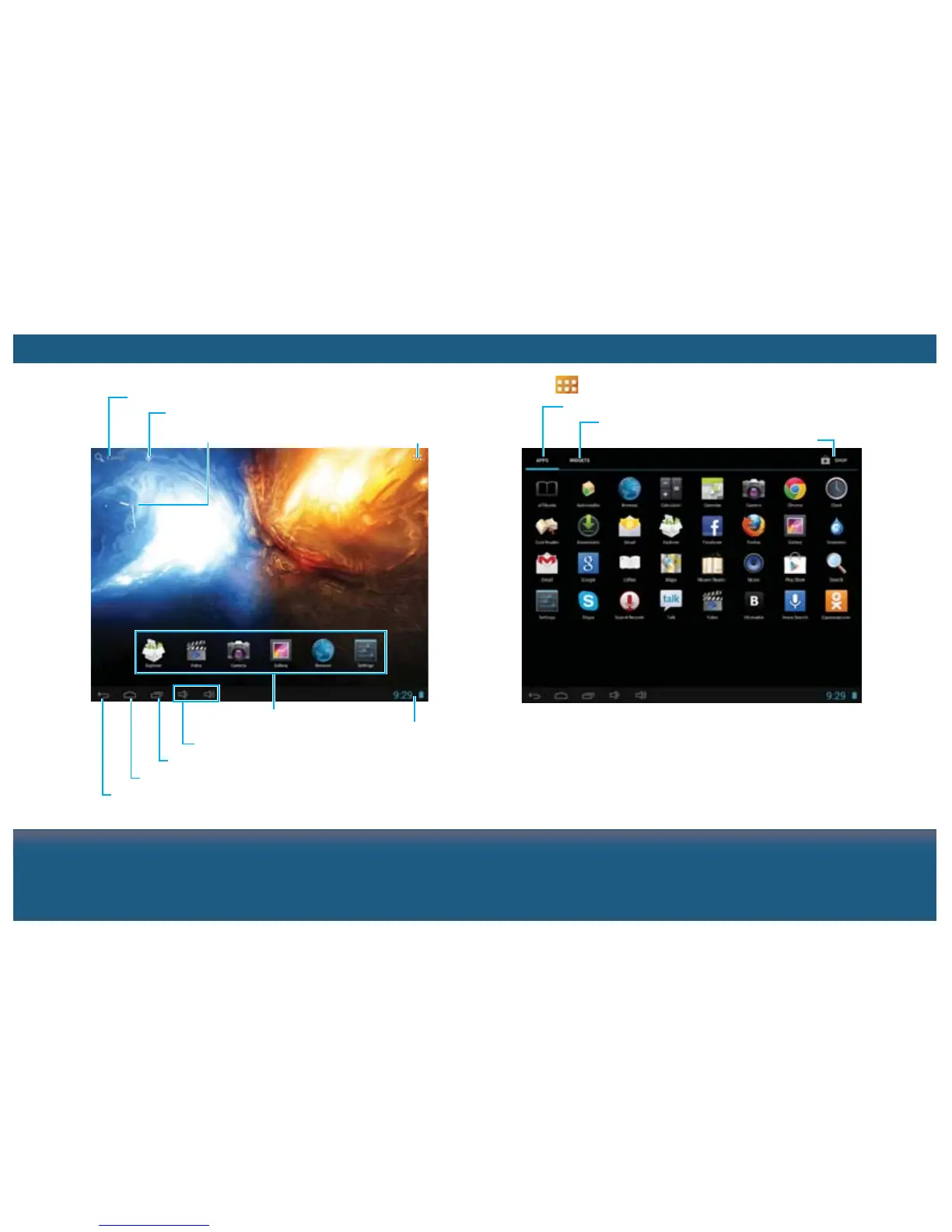
Enable Google text search
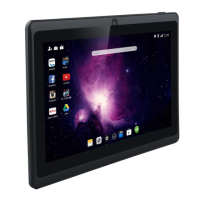
Clock widget
Enable Google voice search
Access Apps menu
Display the recent used Apps
Adjust the volume level
Shortcuts for Apps
Go back to the main screen
Notifications area
Go back to the previous screen
EXPLORING THE MAIN SCREEN ANDROID APPS AND WIDGETS
Display the available Apps
Display the useful widgets
Access the android market
Tap the button on the main screen to enter the Apps menu.
Notes:
Tap and hold an App or a widget, and drag it to a desired
screen.
Tap and hold an App or a widget on the main screen until X
appears, then drag it to touch the X to remove from the screen.


 To Next Page