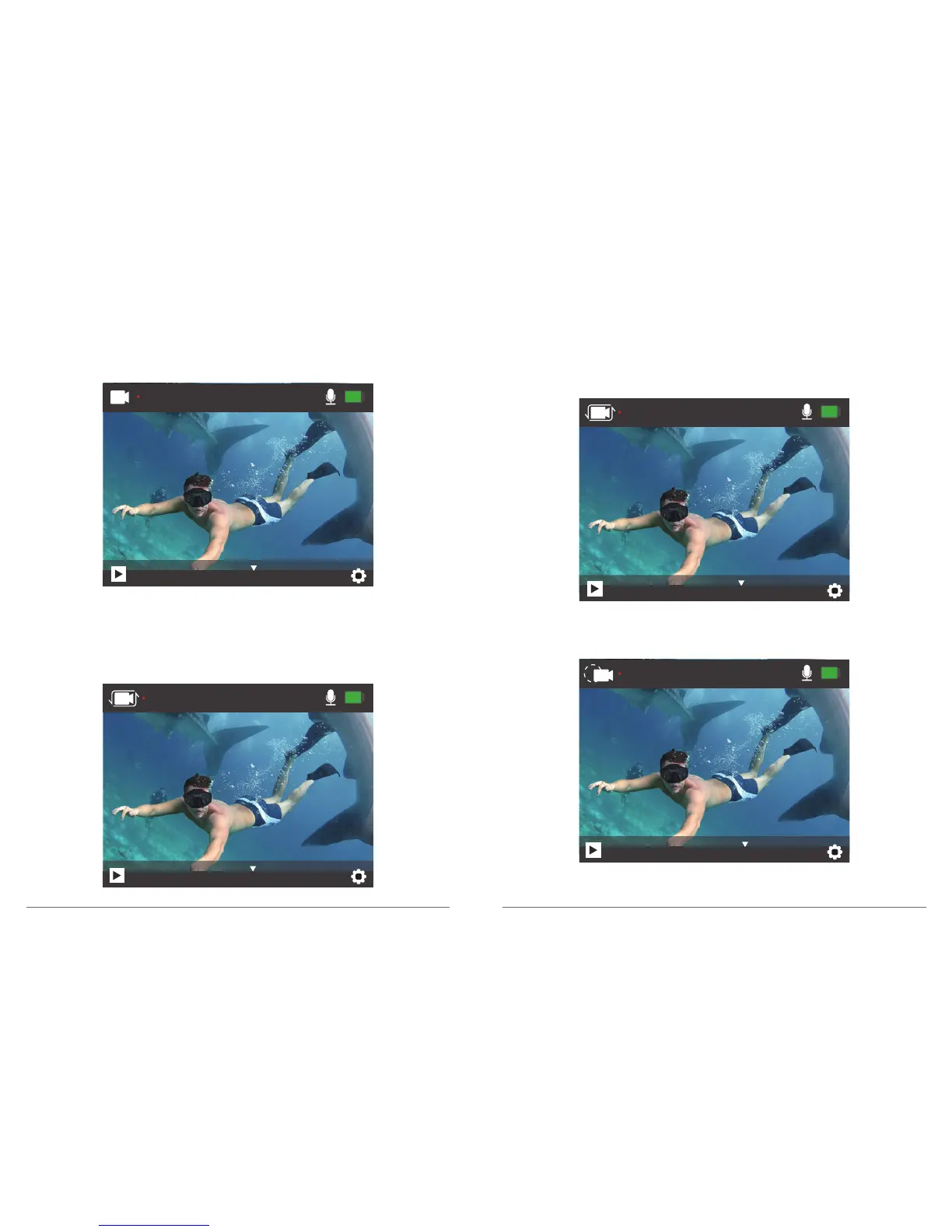
Video Mode
In Video mode, press OK button, the camera starts recording video. Press OK button to
stop recording video.
Loop Recording Mode
In Loop Recording mode, press OK button, you can continuously record video, but save
only the moments that you want.
Time Lapse Video Mode
In Time Lapse Video mode, press OK button, the camera records video from frames
captured at specific intervals.
Time Lapse Video is captured without audio.
Slow Motion Video Mode
In Slow Motion video mode, press OK button, the camera records slow motion video.
00:02:15 29.1G
4K 30FPS
Video
00:00:05 29.1G
4K 30FPS
Loop
00:00:15 29.1G
4K 30FPS
TimeLapse
00:00:06 29.1G
720P 120FPS
SlowMotion
05 06


 To Next Page