Need help?
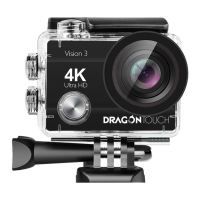
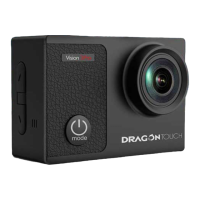
Do you have a question about the DragonTouch Vision 3 Pro and is the answer not in the manual?
Requirements for using brand name memory cards, including class and capacity.
Instructions for turning the camera on and off using the Mode button.
How to start and stop recording video in Video mode.
How to take a photo using the camera.
Configure video resolution, recording sound, time lapse, and loop recording options.
Steps to download the XDV app and connect your smartphone to the camera's Wi-Fi.
Transferring files to a computer using a card reader or USB cable.
Downloading content to a mobile device using the XDV app.
Step-by-step guide to replace the CR2032 battery in the remote control.
 General
| Brand | DragonTouch |
|---|---|
| Model | Vision 3 Pro |
| Category | Action Cameras |
| Language | English |

 To Next Page