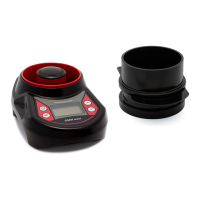
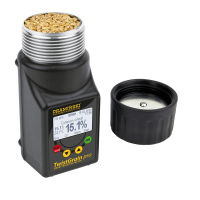
The meter automatically informs about low battery.
If the display shows „low battery” the battery should
be replaced with a new battery:
• remove battery cover on the bottom side of the in-
strument and remove old battery,
• insert the new battery as shown on the bottom of
the battery compartment: „+” and „–”, then cover
the ap.
If the battery is weak (the „low battery” message will
show) it is impossible to perform any operations /
measurements on the device.
Please use good quality alkaline batteries!
22 CHAPTER 5 | BATTERY REPLACEMENT


 To Next Page
 Loading...