899262c.doc01‐26‐17 1
Updating the HDPQ Family of Product’s Firmware
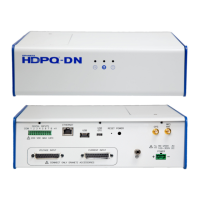
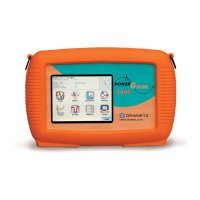
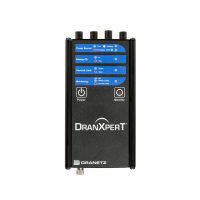
HDPQ Xplorer,
Xplorer 400,
Guide, & Visa
You can update the HDPQ’s internal program by downloading the latest
firmware update release from the web to install into internal memory.
The illustration below shows the high level process for updating firmware:
• Download the latest firmware update release from the Dranetz website into the root
directory of a USB flash drive.
• Once the firmware file is copied, insert the USB flash drive into the USB connector
on the right side panel of the instrument.
• Click on the Setup Instrument icon to bring up the Instrument Settings menu, and
proceed to press Update Firmware. The following dialog box appears to prompt
you whether or not you want to update firmware.
Continued on next page


 To Next Page
 Loading...