8. SET TIME DELAY
If it rains you can use this function to delay
your set watering program. Watering will
begin immediately after the delay interval
you set. The length of the watering session
will be the same as the session you have set
in your watering program. Your watering
program will then resume as normal
- Press ON/OFF to turn on the screen.
- Press SELECT and then press SELECT again
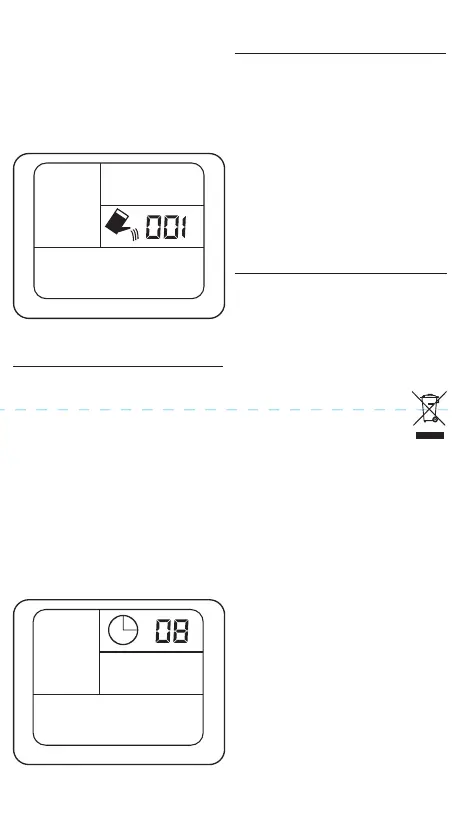
until TIME DELAY begins to flash (fig.7).
- Press OK
- Press FREQUENCY to select the length of
the time delay.
- Press OK.
- The time delay is now set and watering
will begin immediately after the delay
interval. Your pre-set watering program
will then continue as normal.
Time Delay
H
Auto
m
7.3. SET LENGTH OF WATERING
SESSION - FIG. 6
- Press MINUTES to select from the
following programmed time lengths for
watering sessions:
- 1 / 2 / 3 / 4 / 5 / 6 / 8 / 10 / 15 / 30 / 45 / 60 /
90 / 120 minutes
- Press OK to select.
- Your watering program is now complete.
The clock symbol should now be flashing.
FIG.6
FIG.7
- It is recommended that new batteries are
installed if you are going away for a long
period of time.
- Make sure you only use new alkaline
batteries.
- To prevent corrosion, always remove the
battery when the timer is not in use for
long periods of time or when the battery
is low.
- Keep clear of any dirt or debris which
may block the valve and cause the timer
to malfunction.
- Disassembling the timer improperly will
void all warranties.
10. DISPOSAL
9. TIMER CARE &
MAINTENANCE
10.1 DISPOSAL
- At the end of the machine’s working life,
or when it can no longer be repaired,
ensure that it is disposed of according to
national regulations.
- Contact your local authority for details of
collection schemes in your area.
In all circumstances:
• Do not dispose of power tools with
domestic waste.
• Do not incinerate.
• Do not abandon in the
environment.
• Do not dispose of WEEE* as
unsorted municipal waste.
* Waste Electrical & Electronic Equipment.


 To Previous Page
 Loading...