1. iPhone
Search for "HD SCOPE" the App Store or Scan QR code,
and download it.
Android
Search for "HD SCOPE" the google play or Scan QR
code, and download it.
2. Install "HD SCOPE" app.
3. Press the power switch , the red light indicates power is on.
After 10 seconds, the Green light indicates that the wifi signal is working.
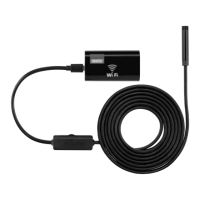
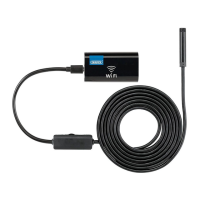
4. Connect the WIFI Endoscope Camera to on the wifi box.
Turn on the wifi of your phone/tablet, after 15 seconds, name of "HD SCOPE-XX"
will show on your list of wifi. Click it, to connect automatically.
Open the app, the Green light will flash to indicate that the wifi has connected
successfully.
Draper Tools Limited, Hursley Road, Chandler’s Ford, Eastleigh, Hampshire. SO53 1YF UK
DBMC0719
Helpline: +44 (0) 23 8049 4344 Sales Desk: +44 (0) 23 8049 4333
General Enquiries: +44 (0) 23 8026 6355 internet: drapertools.com email: sales@drapertools.com
PHONE / TABLET


 To Previous Page