EasyManua.ls Logo

Drawell DW-TDZ5-WS - User Manual

Drawell DW-TDZ5-WS
20 pages
Print Icon
To Next Page IconTo Next Page
Loading...
Operation Manuals
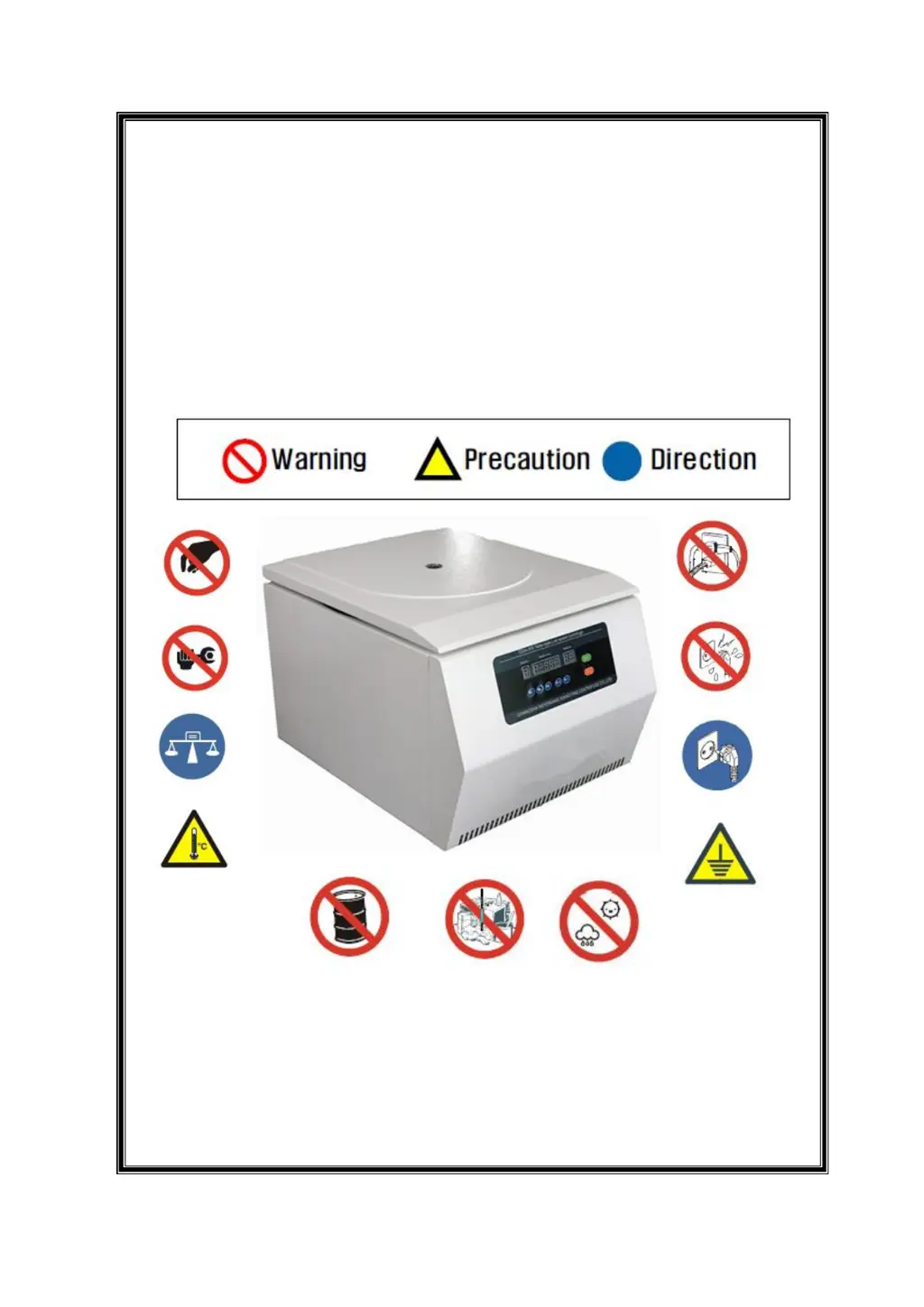
Benchtop Low-Speed Centrifuge
Model: DW-TDZ5-WS
Thanks for using our centrifuge! In order to get quick and sincere service, please
read the operation manuals carefully before you operate.

Questions and Answers

  • V
    Virginia NashAug 5, 2025
    Why Drawell Laboratory Equipment has no power indication?
    • B
      Brooke ThompsonAug 5, 2025
      If there is no power indication on your Drawell Laboratory Equipment after powering it on, here are a few things to check: * Ensure the power supply is working correctly. * Verify that the plug and sockets are securely connected. * Inspect the fuse to see if it has burned out. The correct fuse size is F10A250V ??5×20. * Check the power indicator to see if it is burned.
  • A
    Aaron DunlapAug 14, 2025
    What to do if Drawell DW-TDZ5-WS Laboratory Equipment operation is abnormal?
    • J
      Joy HendersonAug 15, 2025
      If the power indication is OK, but the operation of your Drawell Laboratory Equipment is abnormal, check the following: * Verify that the time or speed settings are properly configured. * Check if the control circuit is functioning normally.
  • A
    Alison AcevedoAug 27, 2025
    Why Drawell DW-TDZ5-WS vibrates abnormally?
    • B
      beth53Aug 27, 2025
      If abnormal vibration occurs after starting your Drawell Laboratory Equipment, consider the following: * Inspect the tube set for any foreign materials. Also, check if the solution in the tubes are properly and symmetrically arranged. * Confirm that the tube set of the swing rotor is properly in contact with the bracket.

Summary

Safety Notices

Safety in Installation and Maintenance

Guidelines for safe installation and maintenance practices, including electricity and grounding.

Attention for Fireproofing

Specific precautions related to fire safety and circuit protection using air switches.

Attention for Safe Operation

Attention for Safety in Chemistry and Biology

Technical Description

Technical Features

Technical Data

Structure Characteristics

Main Frame Shape

Illustrates the external design and layout of the centrifuge's main body.

Installation

Installation Requirement

Specifies the conditions and prerequisites for installing the centrifuge.

Adjusting Requirement

Rotor Installation

Step-by-step guide for correctly mounting the rotor.

Rotor Disassembly

Procedures for safely removing the rotor after use.

Operation

Safety Notice

Critical safety precautions to observe during operation.

Performance Index for Main Machine

How to Operate

Rotor Installation

Guide on how to install the rotor correctly.

Tubes Installation

Instructions for placing tubes and adapters into the rotor.

Preset

How to set initial parameters on the control panel.

Parameter Set

Start

Safety Notice

Maintenance

Trouble Shooting

Electrical Block

Warranty

Quality Certificate

Packing List

Drawell DW-TDZ5-WS Specifications

General IconGeneral
Temperature Fluctuation±0.5℃
Material (Internal)Stainless steel
Temperature Uniformity±1.0℃
Humidity Range95% RH
Humidity Uniformity±3% RH
Power SupplyAC220V 50Hz
ControllerMicrocomputer PID control
DisplayLCD
Shelves2
Material (External)Cold rolled steel with powder coating
TypeConstant temperature and humidity chamber
Display Resolution0.1℃