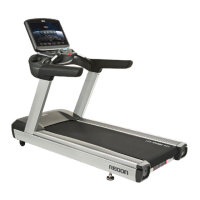
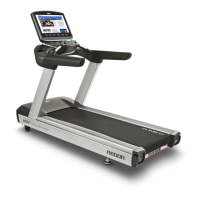
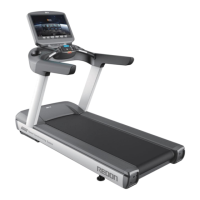
NEW REDON
⑥ Keypad
- ON/OFF : Switch the main screen on and off.
- MENU : Used to enter menu options.
- Mirroring : Mirror your Android or IOS device screen directly to the machines main screen.
- OK : OK Button.
- CANCEL : Used to exit menus.
- Navigation Arrows : CH▲, CH▼, VOL◀, VOL▶
These buttons are used to change TV channels, adjust TV.
⑦ SpeedSYNC
Used to toggle the treadmill into speed sync mode.
This allows the treadmill to automatically adjust speed based on the users position on the machine.
Eg. User moves forward on the machine the running belt will speed up.
If the user moves back on the machine the running belt will slow down.
- Excite : When excite mode is selected the Speed Sync feature is dynamic and quick to react.
This feature is well suited to users who plan on running on the treadmill.
- Comfort : When comfort mode is selected the Speed Sync feature will react much slower and the
top speed of the treadmill will be limited. This feature is most suited to users who prefer
to walk on the treadmill or beginners getting used to how Speed Sync works.
⑧ Quick Speed Button (3Km/h, 6Km/h, 9Km/h)
Three pre-set speed buttons used to quickly select or toggle between speeds with one touch of a button.
Note, this feature does not work with Speed Sync.
10



 To Next Page