settings are in the range from 1 to 4095. The network traffic
flowing on each channel will be identified by the system via
their VLAN Tags. Channels using the same WAN type may not
configure the same VLAN tag value.
Priority – Choose the number to determine the packet
priority for such VLAN. The range is from 0 to 7.
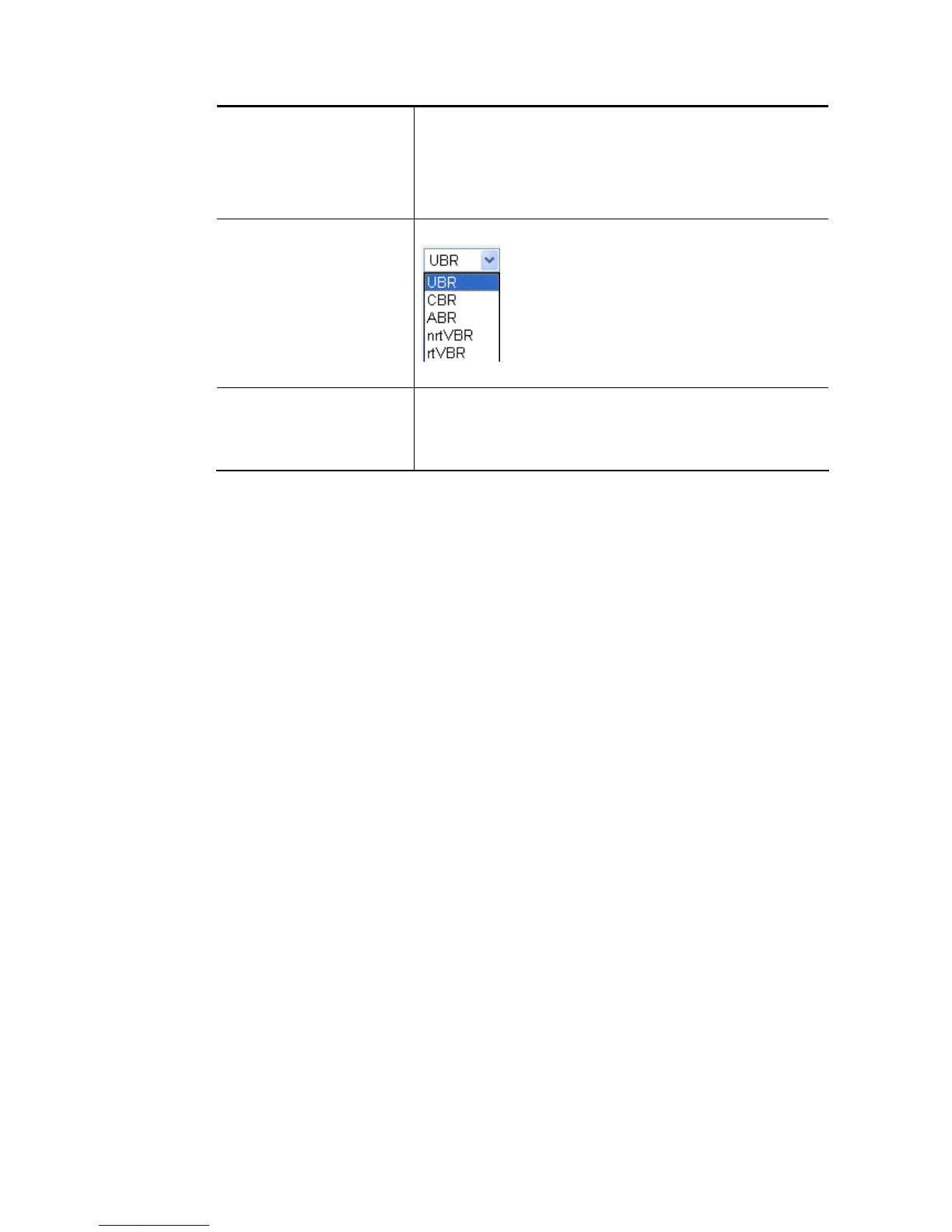
ATM OoS QoS Type - Select a proper QoS type for the channel.
Type the values for PCR, SCR and MBS respectively.
Bridge mode Enable – Click it to enable Bridge mode for such channel.
Physical Members – Group the physical ports by checking the
corresponding check box(es) for applying the bridge
connection.
After finished the above settings, click OK to save the settings.







 To Next Page