I
I
-
-
8
8
R
R
e
e
g
g
i
i
s
s
t
t
e
e
r
r
i
i
n
n
g
g
V
V
i
i
g
g
o
o
r
r
R
R
o
o
u
u
t
t
e
e
r
r
You have finished the configuration of Quick Start Wizard and you can surf the Internet at any
time. Now it is the time to register your Vigor router to MyVigor website for getting more
service. Please follow the steps below to finish the router registration.
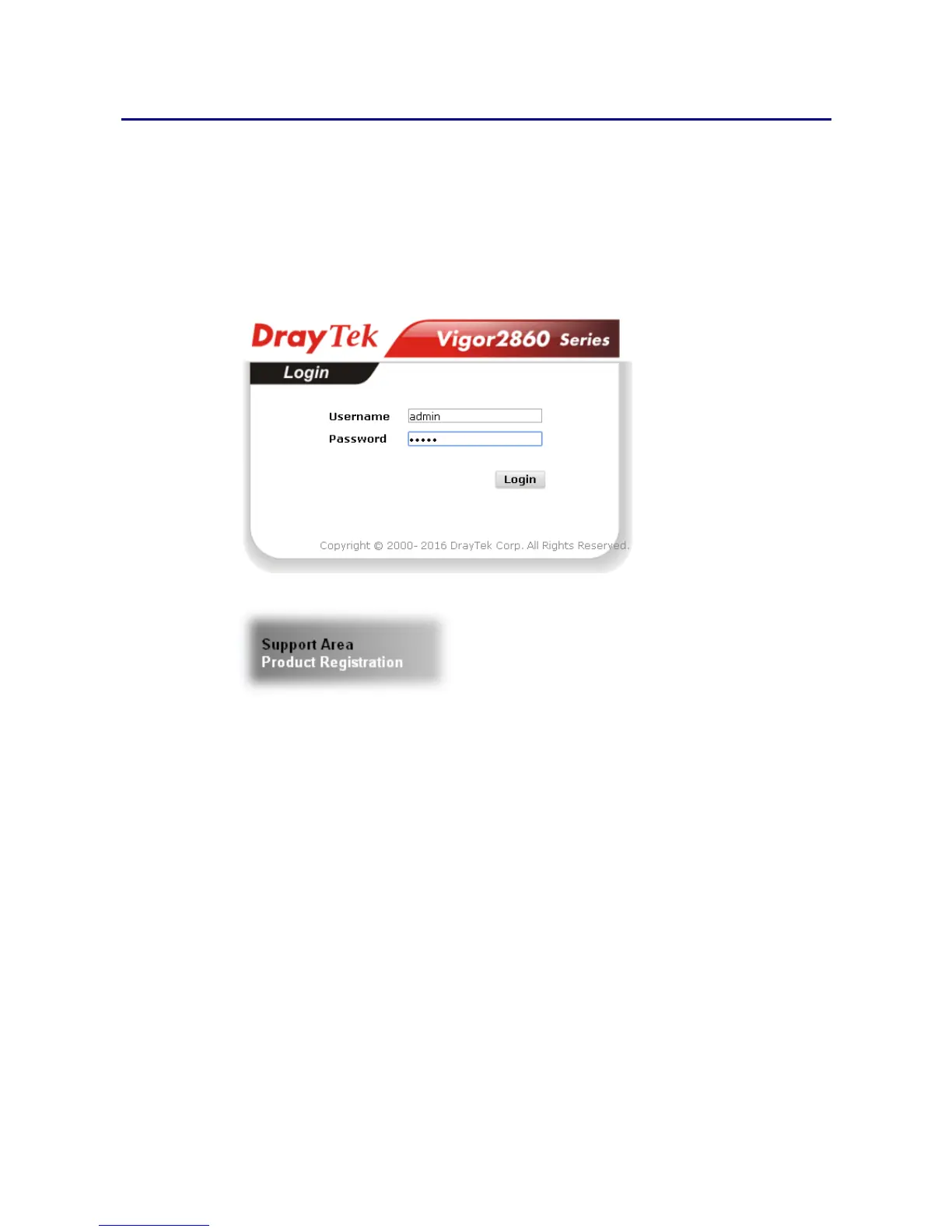
1 Please login the web configuration interface of Vigor router by typing “admin/admin” as
User Name / Password.
2 Click Support Area>>Production Registration from the home page.
3 A Login page will be shown on the screen. Please type the account and password that
you created previously. And click Login.














 To Next Page