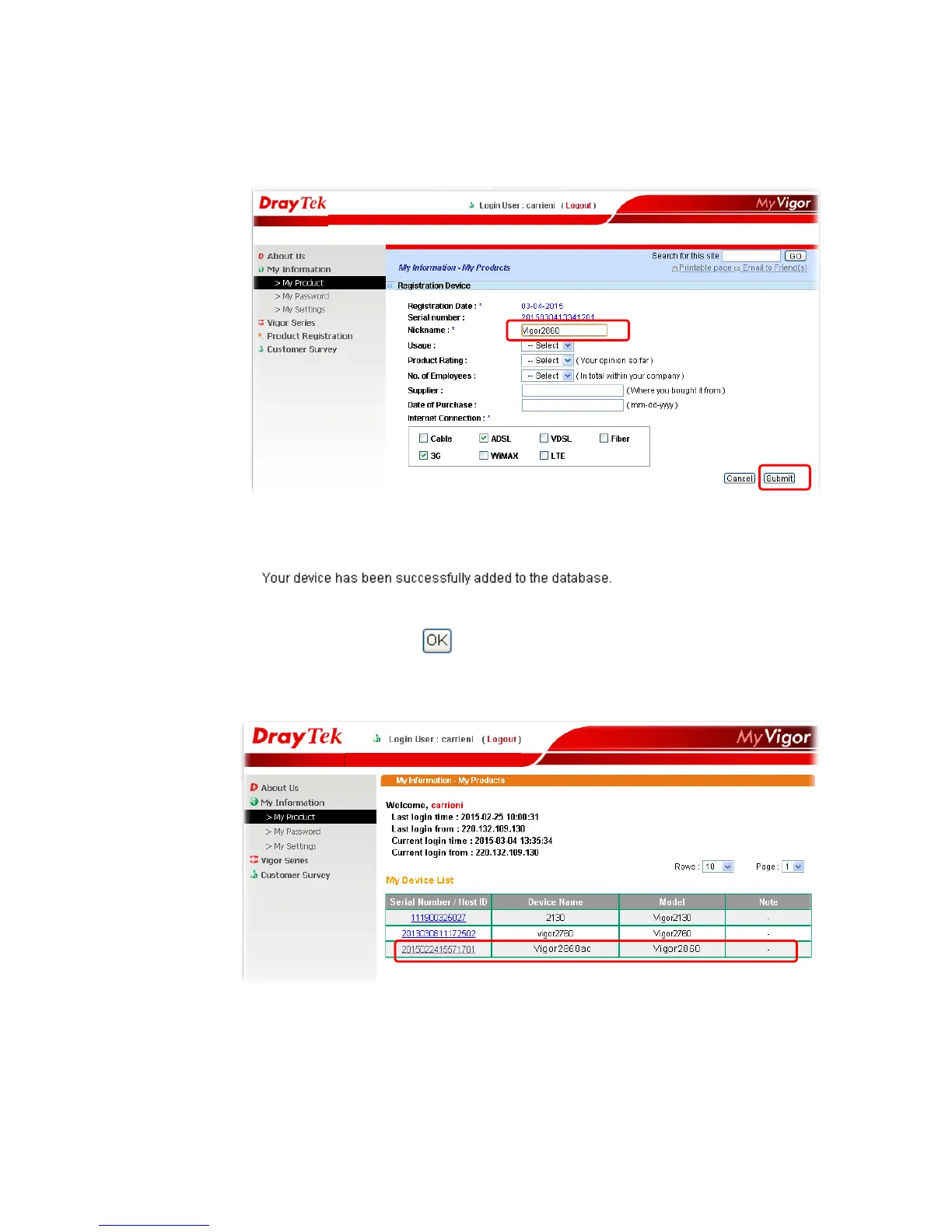
5 When the following page appears, please type in Nickname (for the router) and choose
the right registration date from the popup calendar (it appears when you click on the
box of Registration Date). After adding the basic information for the router, please click
Submit.
6 When the following page appears, your router information has been added to the
database.
7 After clicking OK, you will see the following page. Your router has been registered to
myvigor website successfully.














 To Next Page