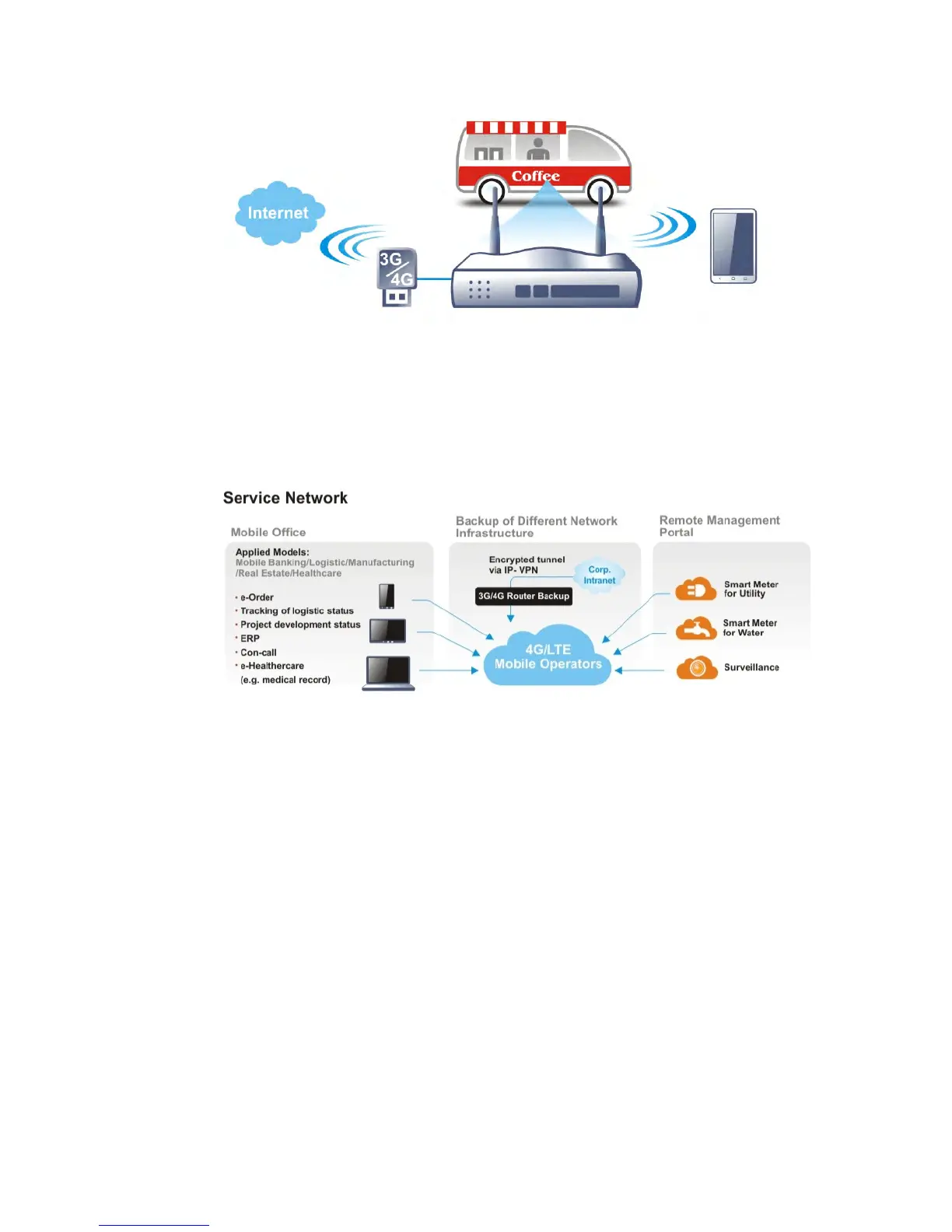
After connecting into the router, 3G/4G USB Modem will be regarded as the WAN3/WAN4 port.
However, the original WAN1 and WAN2 still can be used and Load-Balance can be done in the
router. Besides, 3G/4G USB Modem in WAN3/WAN4 also can be used as backup device.
Therefore, when WAN1 and WAN2 are not available, the router will use 3.5G for supporting
automatically. The supported 3G/4G USB Modem will be listed on DrayTek web site. Please
visit www.draytek.com for more detailed information.
L
L
T
T
E
E
A
A
p
p
p
p
l
l
i
i
c
c
a
a
t
t
i
i
o
o
n
n














 To Next Page