Available settings are explained as follows:
Item Description
Enable Choose Yes to invoke the settings for this WAN interface.
Choose No to disable the settings for this WAN interface.
Display Name Type the description for such WAN interface.
Physical Mode Choose Wireless 2.4G if you want to use wireless station
mode to access Internet. Otherwise, choose Ethernet to
access Internet through WAN2 Ethernet Port.
DSL Mode Specify the physical mode (VDSL or ADSL) for such router
manually.
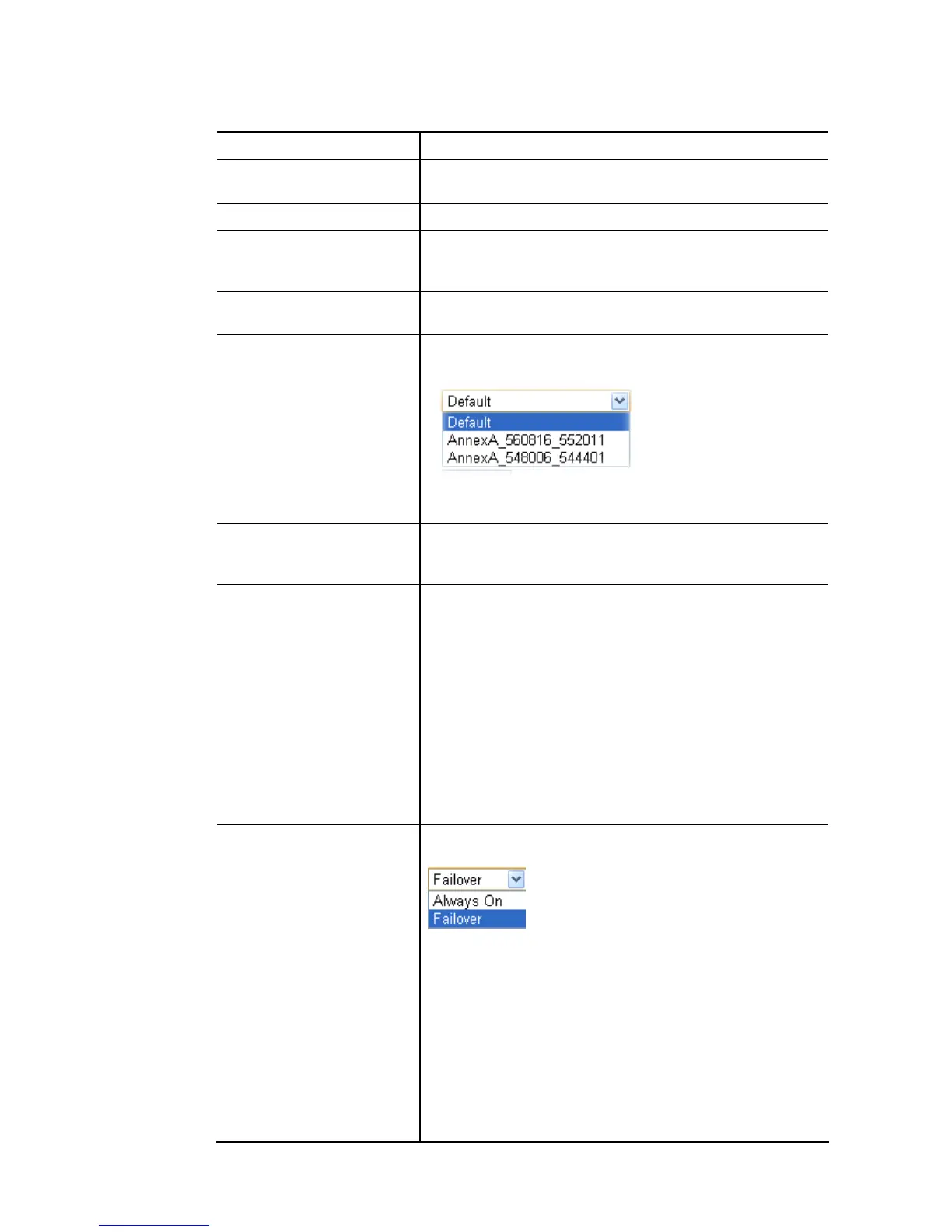
DSL Modem Code Choose the correct DSL modem code for ensuring the
network connection.
If you have no idea about the selection, simply choose
Default or contact the dealer for assistance.
Line Speed If your choose According to Line Speed as the Load
Balance Mode, please type the line speed for downloading
and uploading for such WAN interface. The unit is kbps.
VLAN Tag insertion It is available only when Ethernet is selected as Physical
Mode.
Enable – Enable the function of VLAN with tag.
The router will add specific VLAN number to all packets on
the WAN while sending them out.
Please type the tag value and specify the priority for the
packets sending by WAN1.
Disable – Disable the function of VLAN with tag.
Tag value – Type the value as the VLAN ID number. The
range is form 0 to 4095.
Priority – Type the packet priority number for such VLAN.
The range is from 0 to 7.
Active Mode Choose Always On to make the WAN2 connection being
activated always.
Load Balance: Check this box to enable auto load balance
function for such WAN interface.
When the data traffic is large, the WAN interface with the
function enabled will balance the data transmission
automatically among all of the WAN interfaces in
connection status.
Failover – Choose it to make the WAN connection as a
backup connection.
WAN Failure – When the active WAN failed, such WAN
will be activated as the main network connection.
Traffic Threshold – When the data traffic of active














 To Next Page