EasyManua.ls Logo

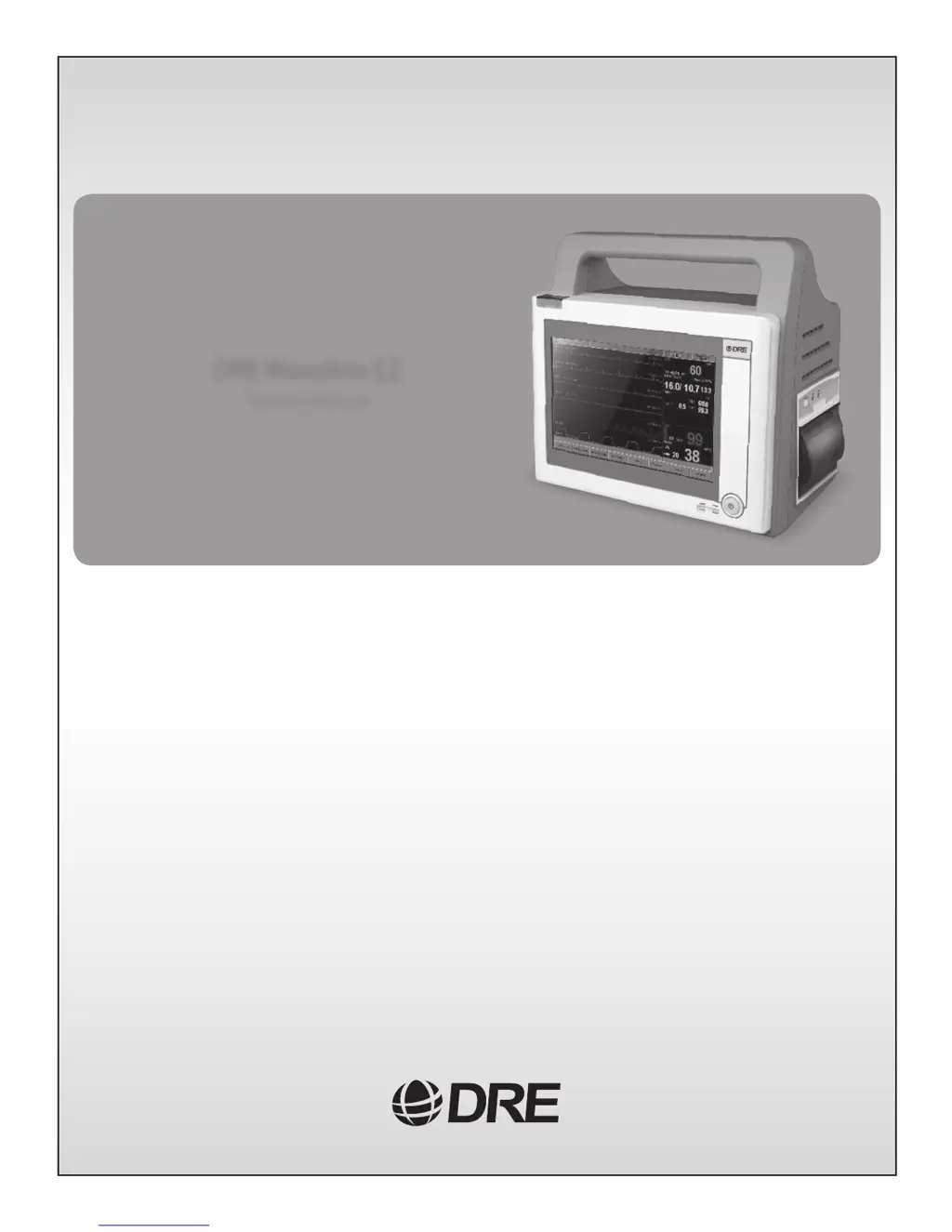
DRE Waveline EZ - Service Manual

DRE Waveline EZ
56 pages
Print Icon
To Next Page IconTo Next Page
Loading...
DRE Waveline EZ
Service Manual

Table of Contents

Questions and Answers

  • J
    John TrujilloSep 4, 2025
    Why DRE Waveline EZ ECG measurement has waveforms but no heart rate?
    • R
      ralphbrooksSep 4, 2025
      If your ECG measurement displays waveforms but no heart rate value, check the lead selection in the “HR CALCULATE SOURCE” item within the “ECG setup” menu. Also, verify that the QRS waveform is smooth and evident.
  • O
    olandrySep 18, 2025
    Why DRE Waveline EZ inflation pressure can’t reach the normal level?
    • N
      nbryantSep 18, 2025
      If the inflation pressure can’t reach the normal level, note that the maximum inflation pressure value cannot exceed 150mmHg (20kPa). Check whether the pump is bad. Also, check for air leakage, inspecting the valves, cuff, and relevant connectors to ensure they work normally.
  • J
    Justin JohnsonSep 16, 2025
    How to fix 'SPO2 Com Error' on DRE Medical Equipment?
    • J
      Joseph MannSep 16, 2025
      To fix an 'SPO2 Com Error', ensure the SPO2 module is properly connected to the mainboard. Check the power supply to the SPO2 PCB. Consider replacing the SPO2 circuit. If the problem continues, replace the mainboard.
  • T
    Tracy Potter DDSSep 14, 2025
    What to do if there is air leak on DRE Waveline EZ?
    • N
      nhammondSep 14, 2025
      If you suspect an air leak, check all connections in the NIBP cuff or hose and test the cuff tightness using venous stasis.
  • L
    lynnbrownSep 12, 2025
    What to do if DRE Medical Equipment recorder paper advances but remains blank?
    • E
      Eric TaylorSep 13, 2025
      If the recorder paper advances but remains blank when recording should be present, open the recorder door and check that the paper is oriented correctly, exiting from the bottom of the roll. If the problem continues, replace the recorder module.
  • L
    lindsaybeardSep 12, 2025
    What to do if DRE Medical Equipment NIBP module can’t be inflated?
    • D
      Dean HollowaySep 12, 2025
      If the NIBP module on your DRE Medical Equipment can’t be inflated, check whether the pump is faulty and check the NIBP module’s power supply.
  • W
    William AndersonSep 9, 2025
    How to fix 'ECG Com Err' on DRE Waveline EZ?
    • M
      morgancharlesSep 9, 2025
      To address an 'ECG Com Err' message, ensure the ECG module is properly connected with relevant periphery modules. Check the power supply to the ECG PCB. Check the ECG module section. If the problem persists, replace the ARM-FGPA PCB.
  • D
    Dana MartinSep 7, 2025
    What does 'Lead off' mean on DRE Waveline EZ Medical Equipment, and how to fix it?
    • F
      fgarciaSep 8, 2025
      A 'Lead off' message indicates that the relevant wire is disconnected or not properly attached to the patient. If lead I is off, check whether lead RA and lead LA are attached well. If all leads are off, check if lead RL is attached well, or replace the mainboard.
  • J
    johnmendezSep 5, 2025
    What to do if DRE Waveline EZ recorder paper won't advance?
    • L
      leahbeckerSep 5, 2025
      If the recorder paper on your DRE Medical Equipment won't advance, open the recorder door and confirm paper is present. Press the recorder module firmly into the monitor to ensure it's fully engaged with the connector on the mainboard. Cycle the power on the monitor; the recorder should execute a line feed upon power up. If the problem persists, ensure the main ribbon cable is connected to the recorder PCB, power supply, and mainboard. If problems continue, check the recorder, recorder PCB, and mainboard.
  • L
    ljohnstonAug 20, 2025
    What to do if DRE Medical Equipment Waveline EZ fails to power-up?
    • T
      Tyler GarciaAug 21, 2025
      If your Waveline EZ fails to power-up, first ensure the power cord is plugged into a working AC outlet with the correct voltage and frequency, and check that the green AC SOURCE indicator is lit. If it's not lit, the power supply assembly may need repair. Also, check the fuses located on the EMI filter above the AC inlet receptacle and replace them if needed. Inside the monitor, inspect the main cables to ensure they're connected to the PCBs and power supply assembly. Verify the keyboard is connected to the power supply PCB; if the connection is good, the keyboard may need repair. If the problem continues, consider replacing the power supply PCB.

Summary

SECTION 1: INTRODUCTION

1.1 MANUAL OVERVIEW

Provides information for servicing the Waveline EZ patient monitor, intended for qualified service personnel.

1.2 WARNINGS, CAUTIONS AND NOTES

Defines terms like Warning, Caution, and Note used for proper monitor operation and potential hazards.

1.3 Waveline EZ PATIENT MONITOR DESCRIPTION

Details the Waveline EZ monitor's comprehensive monitoring system, parameters, and portability features.

SECTION 2: INTRODUCTION AND SYSTEM DESCRIPTION

2.1 SYSTEM OVERVIEW

Describes the Waveline EZ patient monitor as a full-function monitor for adult, neonatal, and pediatric patients.

2.2 SYSTEM BLOCK DIAGRAM

Presents a graphical representation of the Waveline EZ patient monitor functions and their interconnections.

2.2.1 POWER SYSTEM

Details the power supply section, including AC/DC input, battery, monitoring, and charging circuitry.

2.2.2 MAINBOARD

Explains the main control system, incorporating ARM microcontroller and FPGA for various functions.

2.2.3 NIBP MODULE

Covers the noninvasive blood pressure measurement and display operations, including pneumatics and control.

2.2.4 SPO2 MODULE

Describes the saturated blood oxygen measurement module using pulse oximetry techniques.

2.2.5 DISPLAY

Details the color active LCD module, its composition, and display capabilities.

SECTION 3: PERFORMANCE VERIFICATION

3.1 INTRODUCTION

Discusses tests to verify performance after repairs or during routine maintenance without monitor disassembly.

3.3 PERFORMANCE TESTS

Outlines procedures for battery charge, performance, power-on self-test, and hardware/software tests.

3.4 SAFETY TESTS

Details safety tests performed according to IEC 601-1 standards, including earth continuity and electrical leakage.

SECTION 4: ROUTINE MAINTENANCE

4.1 CLEANING

Provides instructions for cleaning the Waveline EZ and its accessories, emphasizing safe practices.

4.2 PERIODIC SAFETY AND FUNCTIONAL CHECKS

Outlines checks for exterior damage, label legibility, proper unit performance, and electrical safety.

4.3 BATTERY

Covers battery charging procedures and recommendations for replacement intervals.

SECTION 5: DISASSEMBLY GUIDE

5.1 INTRODUCTION

Details preliminary steps and required tools before disassembling the Waveline EZ unit.

5.3 DISASSEMBLY FLOW CHARTS

Illustrates step-by-step procedures for accessing replaceable parts via flow charts.

5.4 CLOSED CASE DISASSEMBLY PROCEDURES

Provides procedures for disassembling the closed case of the Waveline EZ monitor.

SECTION 6: PARTS

6.1 INTRODUCTION

Contains exploded views, internal modules, and a parts list for the Waveline EZ monitor.

SECTION 7: TROUBLESHOOTING

7.1 INTRODUCTION

Explains how to troubleshoot the Waveline EZ if problems arise, listing difficulties, causes, and actions.

7.3 WHO SHOULD PERFORM REPAIRS

Specifies that only qualified service personnel should open the monitor or perform adjustments.

7.6 TROUBLESHOOTING GUIDE

Categorizes problems and refers to specific paragraphs for troubleshooting instructions.

SECTION 8: PACKING FOR SHIPMENT

8.1 GENERAL INSTRUCTIONS

Provides crucial instructions for packing the monitor to prevent loss or damage during shipping.

8.2 REPACKING IN ORIGINAL CARTON

Outlines the procedure for repacking the Waveline EZ monitor using its original packaging materials.

SECTION 9: SPECIFICATIONS

APPLICATION

Defines the intended patient types for the Waveline EZ monitor: neonatal, pediatric, and adult.

PHYSICAL DIMENSIONS & WEIGHT

Lists the physical size and weight of the Waveline EZ base unit.

PERFORMANCE SPECIFICATIONS

Details the performance characteristics of the monitor, including display, ECG, NIBP, SpO2, and power.

DRE Waveline EZ Specifications

General IconGeneral
BrandDRE
ModelWaveline EZ
CategoryMedical Equipment
LanguageEnglish

Related product manuals