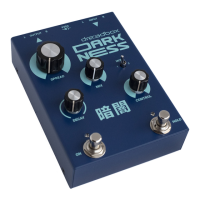
Power on your unit, wait for a couple of seconds until it
boots and then go through the factory presets by switching
between the A1-A7 Programs.
Set the Input level so that you can barely see the Spring
light blinking to the input signal.
Turn each effect on and off by simply pressing the
correspondent button. Mess up with each effects’ controls.
Change the settings of each effect by holding down
the effect’s button for at least 2 sec. The 3 buttons will start
to blink and you have to choose one.
Save your preset by pressing the SAVE button. When it
starts blinking, choose where you would like to store it, by
switching the Program knobs and then press SAVE.



 To Next Page