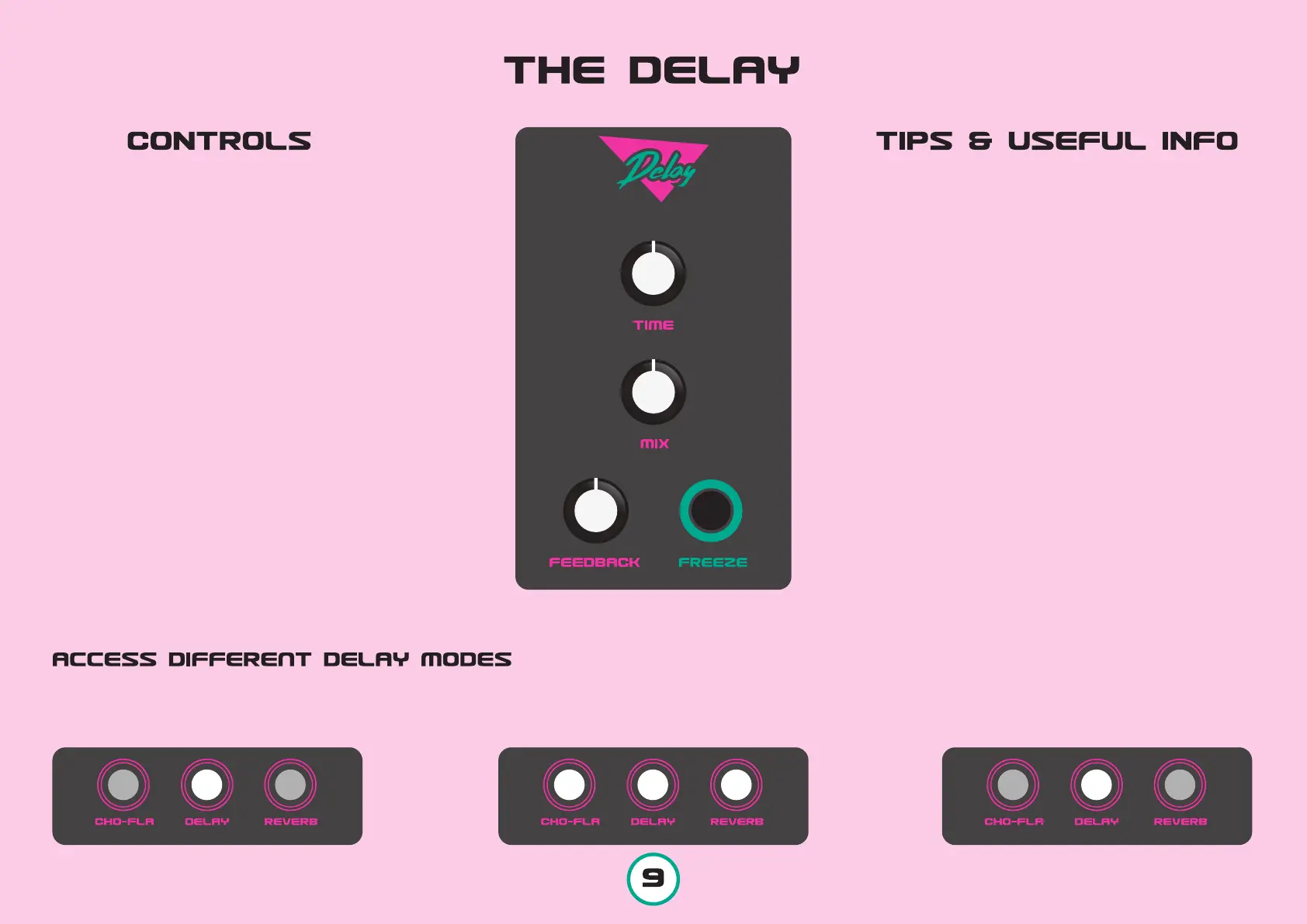
TIME sets the Delay time from about 40ms
up to 450ms
MIX sets the level of the Delayed signal
FEEDBACK sets the amount of repeats.
When at max, repeats are infinite.
FREEZE is a method to loop your current
delayed signal, meaning that if no repeats are
audible or active, freeze will have no effect when
pressed.
Freeze will actually do 2 simultaneous functions:
A. Feedback level is set to max
B. Any new incoming signal will not be delayed.
This will be active only while the button is
pressed. Mix and Time controls, can still be used
while holding down the Freeze button.
1 If you do not want to hold down the Freeze
button, while the Freeze button is pressed, deac-
tivate the Delay effect, by pushing the Delay
button. This will keep the Freeze function to be
active without holding it down. To abort the
Freeze function, just press the Delay button
once.
2 When on Stereo setup, the Delay effect is
always on Ping-Pong mode, which is cool but it
gives the feeling that the allowed delay times
40ms-450ms are the half (20ms-225ms).
3 By setting a high amount of Feedback on the
Chorus-Flanger effect and having a High Input
Level, the delayed signal can be easily peaked.
So we suggest you to always check with your
highest desirable settings. If that occurs just
lower your Input Level.
Press and hold the DELAY button for 1 sec. The 3 buttons will start to blink.
Choose your desired Delay Mode.
After you set the Delay mode, you will
get back to the previous state.
MODE CLEAN BBD TAPE



 To Next Page
 Loading...