21
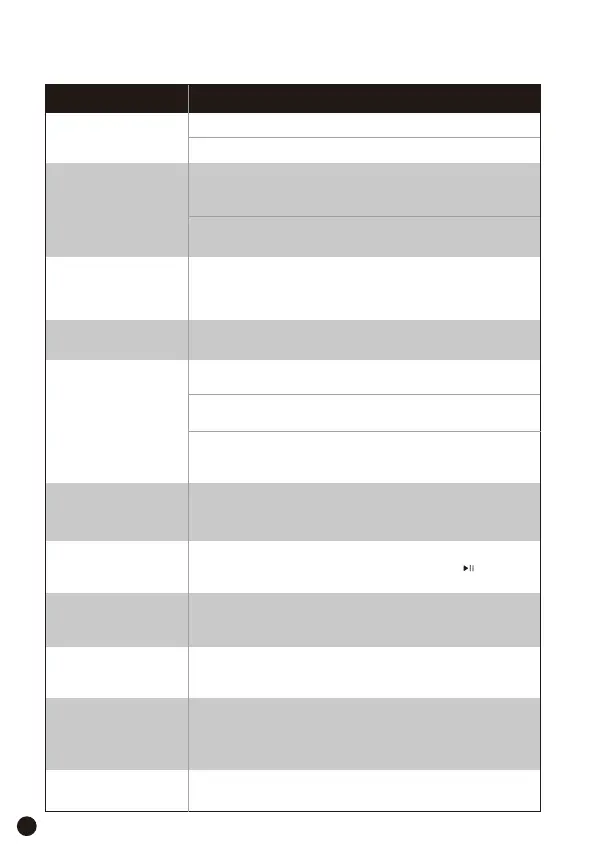
Troubleshooting
Problem
The appliance will
not turn on
Foods are cooked
unevenly
Foods are not
completely cooked
Make sure the appliance is plugged in.
Push the basket securely into the appliance.
Do not overcrowd the basket in every cooked, if the basket
is overstuffed, your ingredients will not receive proper
heat.
Try the Program mode using the cook probe for better
accuracy.
Ingredients that are stacked on top of each other or close
to each other need to be shaken during cooking. The
non-stick cooking tray should be placed in the basket.
White smoke is
coming out of my
appliance
Dark smoke is
coming out of my
appliance
How do I pause or
stop the cooking?
Foods are not crispy
after frying
Spray or brush a small amount of oil on foods can
increase crispiness.
The appliance may produce some white smoke
when you use it for the first time. This is normal.
Make sure the basket and the non-stick food tray
is cleaned properly and is not greasy.
Immediately unplug your appliance. Food is
burning, wait for smoke to clear before pulling the
basket out.
Remove the basket from the unit to pause the cooking and
place it back to resume, you can also press the “ ” button or
return and then confirm to stop the cooking.
Frying greasy foods will cause oil leaks into the
basket. This oil will produce white smoke. This is
normal and should not affect cooking.
Possible solution
Make sure you are connecting your appliance to a 2.4 GHz
network.
Make sure your appliance is turned on.
Go to Settings>WLAN>Confirm
Is the basket safe to
put on my
countertop?
The cooking probe is
not detected
Connection to
Wi-Fi fails
I can’t find the
appliance when
adding to the Dreo
app
Use caution when handling, and place on heat-safe
surfaces only.
Make sure you properly secured the cooking probe to the
basket, magnets must face towards the interior of your
appliance.


 To Next Page
 Loading...