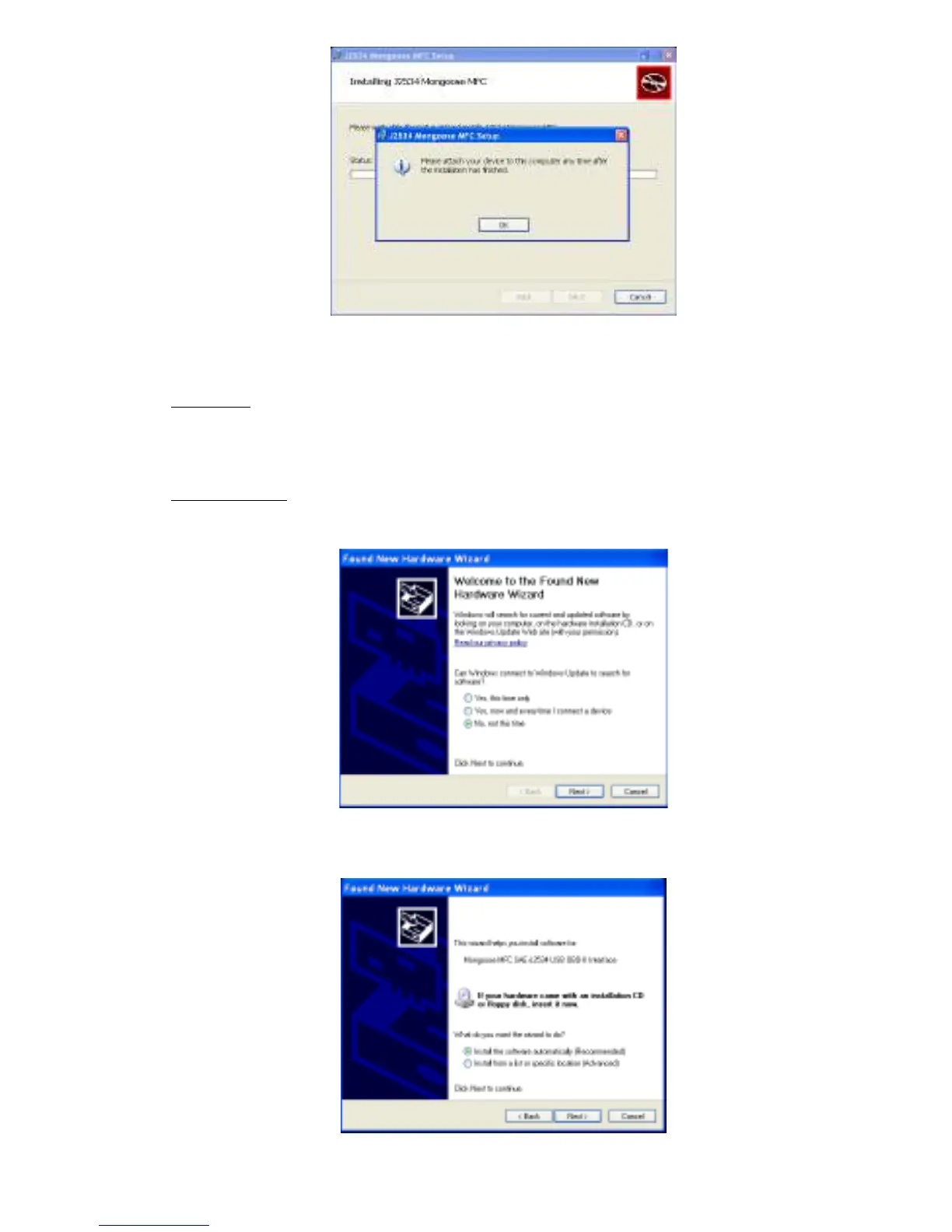
3. Now plug the Mongoose into your computer’s USB port.
VISTA/7: If you are using Windows Vista or Windows 7, a message
will pop up indicating the drivers are being installed. Vista/7 users
are finished installing at this point and can run the software they
will be using with the Mongoose.
Windows XP: If you are using Windows XP, you will see this message
after the Mongoose is plugged into your computer’s USB port:
Make sure “No, not this time” is selected and click “Next.” This
screen appears:
Select “Install the software automatically [Recommended]” and click



 To Next Page