Cap Socket
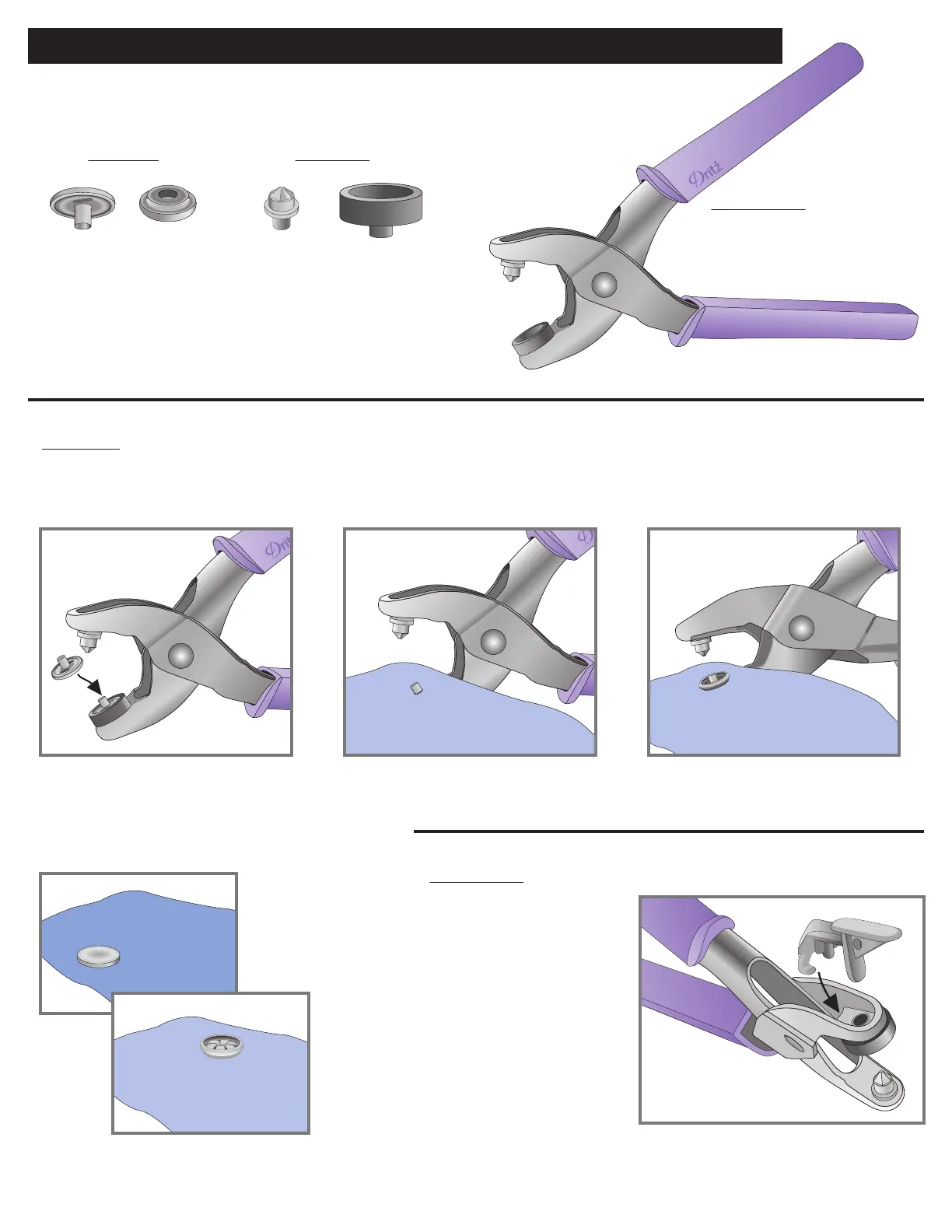
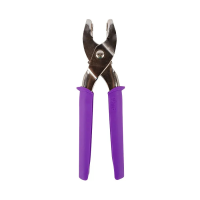
Pliers Tools:
Snap Parts:
Black Cap
Holder
Metal Splitting
Punch
Instructions:
1. With cap holder at bottom of pliers, place
cap into holder.
Instructions for Applying 5/8" Heavy Duty Snaps - Cap (Topside of garment)
24P HEAVY DUTY SNAP PLIERS – Instructions (continued)
Inserting Tools:
Insert metal splitting punch in one
side of pliers and black cap holder
in other side.
Removing Tool:
Slip hook of gray tool remover
inside ledge of pliers and press
down to release cap holder tool.
2. Slide hole in fabric over post of cap.
Make sure right side of garment is
facing cap.
3. Position socket, bowl side out, over
cap post.
4. Squeeze pliers rmly to apply cap
and socket. Check for tightness;
squeeze again, if necessary.
Wrong side
of fabric
Wrong side
of fabric
Right side
of fabric
1.
4.
2. 3.
Wrong side
of fabric


 To Next Page