60
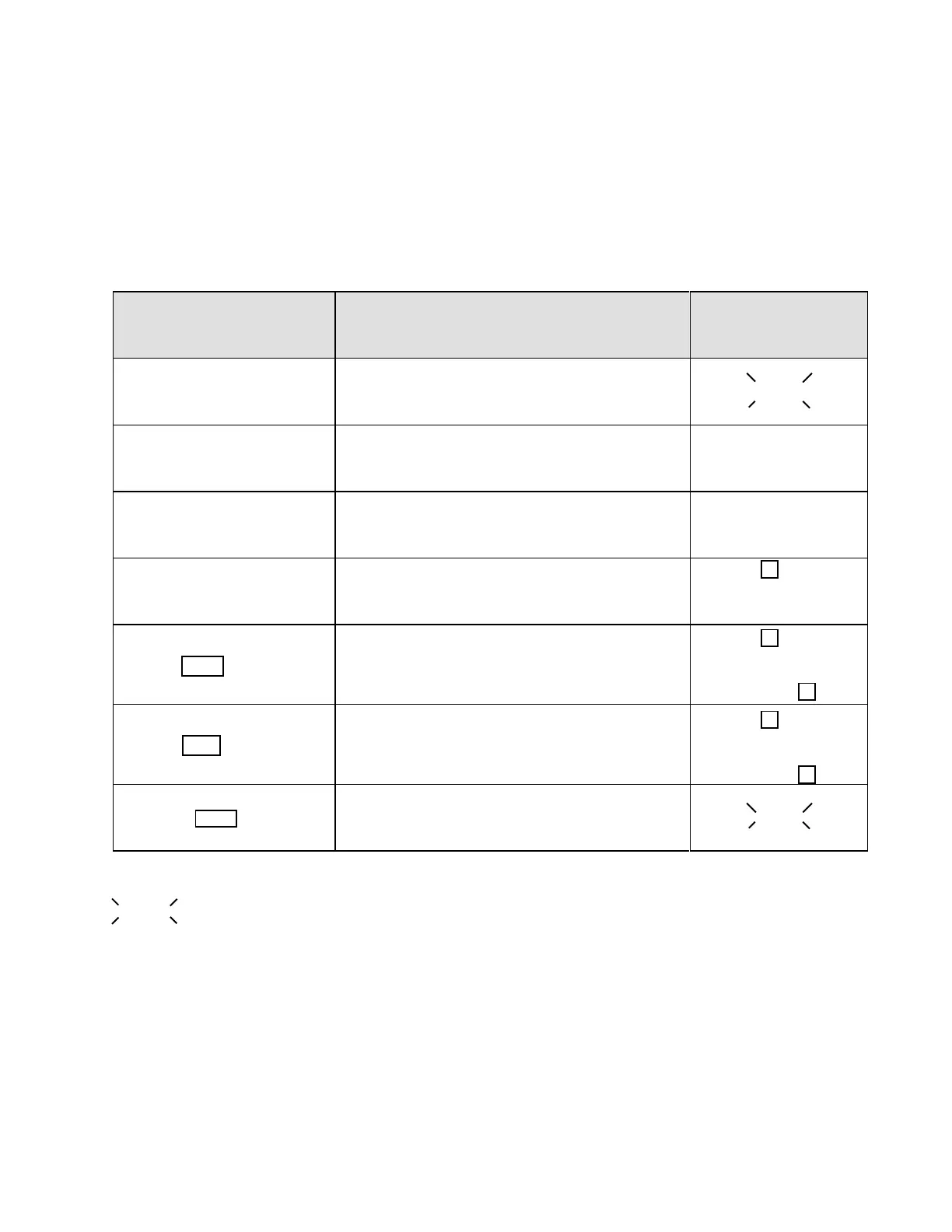
Table 6.2 Verify motor rotation direction
6.2 Test run
Please follow the instructions below to verify motor rotation direction.
WARNING: Make sure equipment is in a safe condition and all personnel have been notified of
hazards.
Key operation Description
Digital operator
display
1. Connect to power supply Inverter enters stopping mode
;;;;
2. Set Fn10=0 Digital operator control mode
3. Set Fn11=0 Digital operator frequency command
4. Set Fn25=5 or press up
or down keys directly to 5Hz.
Set master frequency = 5Hz
Hz lamp lights
5. Press FWD
Verify forward rotation direction
Hz & FWD lamps light
6. Press REV
Verify reverse rotation direction
Hz & REV lamps light
7. Release REV Enter idle mode
;;;;
FWD
REV
Hz
Hz
Hz
indicates flashing display.



 To Next Page