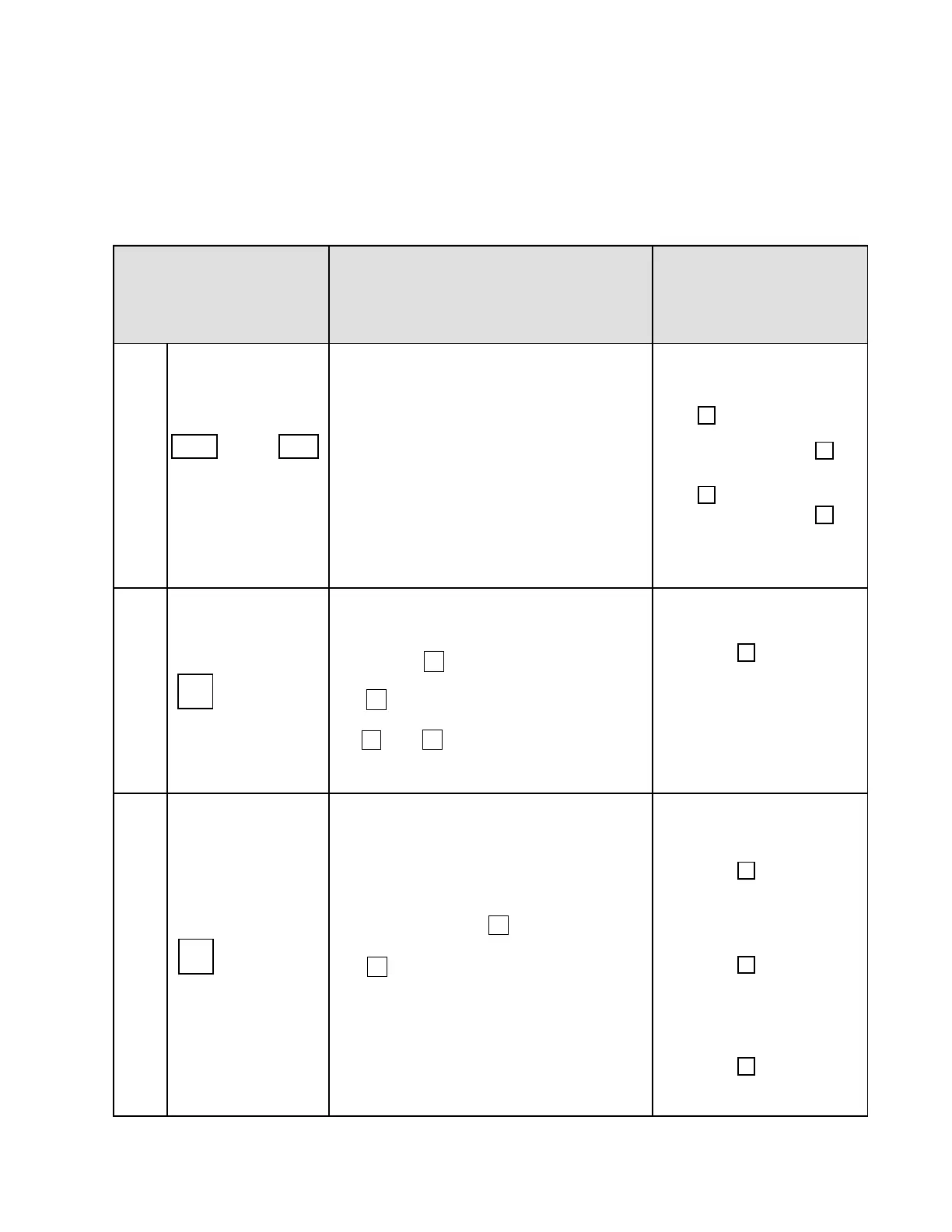
Table 7.2 Digital operator control and frequency command
FWD
FWD
Hz
Hz
Hz
Hz
Hz
Hz
∨
∧
62
7.2 Example of Digital Operation Control and Frequency Command
Please set: Fn10=0 ------ Digital Operation Control.
Fn11=0 ------ Digital Operation Frequency Command.
∧
Operation Procedure Description
Digital Operator
Display
1
FWD (or)
REV
momentary
* Inverter accelerates from 1Hz to
preset frequency of Fn25.
* Reverse run is effective when
Fn33=0
* Must hold button in since both are
momentary type.
;;;;
2 arrow key
* During stop mode frequency set
increases 0.1Hz in 1-180 range by
pressing arrow key once.
* Set frequency will continue to
increase if arrow key is
pressed. (for instance Fn6=60Hz)
* and arrow keys will be
invalid if function parameter is locked
(Fn59=1)
3 arrow key
* Set frequency decreases 0.1 in
1-180Hz range by pressing
key once.
* Set frequency will continue to
decrease if arrow key is
pressed. Set frequency will reach
lower limit (Fn7) or 0 Hz depending
on the following conditions:
∧
∨
∧
∨
∨


 To Next Page
 Loading...