64
Section 8 Fault Indication
If inverter malfunctions, the fault code will blink on the display and indicate a particular fault which
has occured. Inverter will memorize the last four fault codes automatically in code number Fn61.
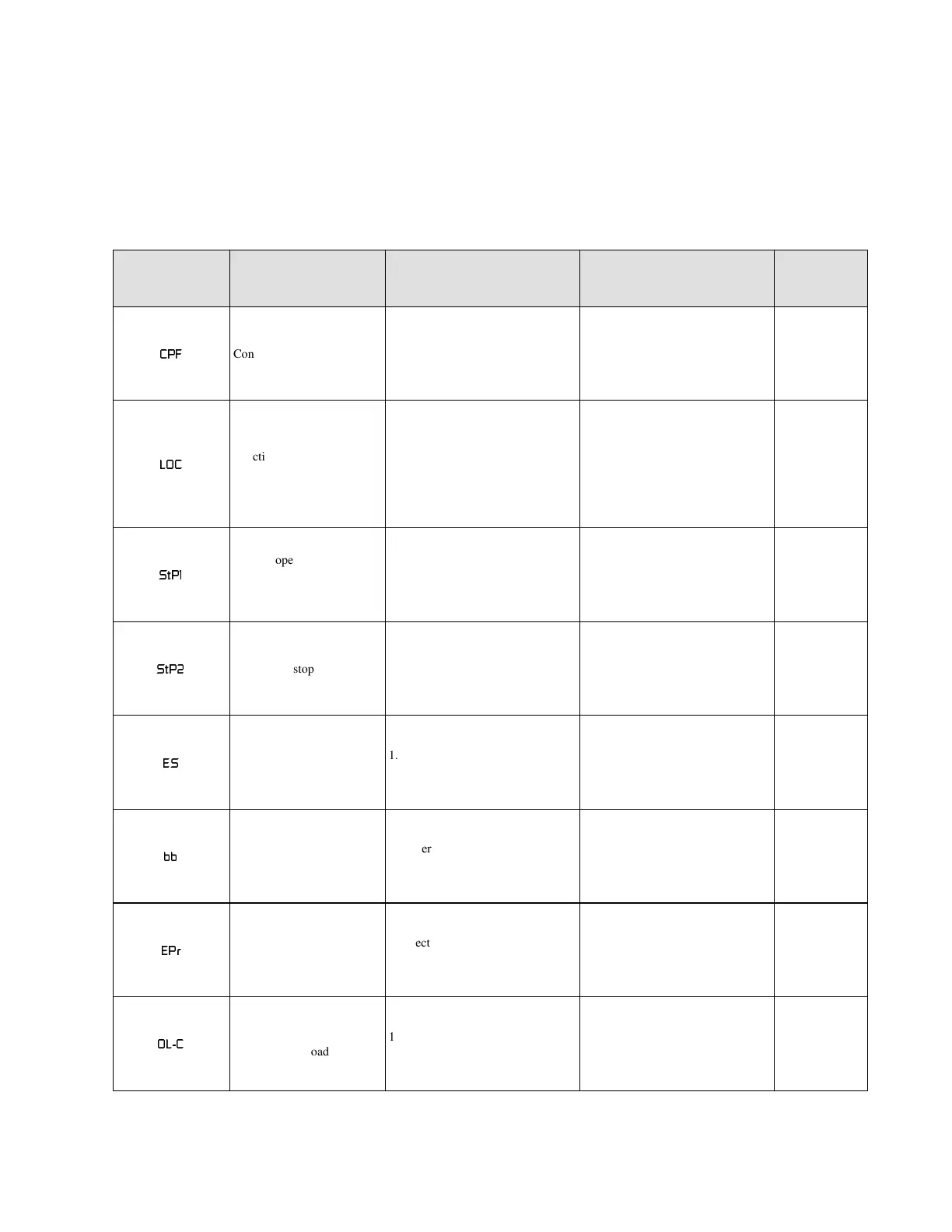
Table 8.1 Fault indication
Fault code Content Probable cause What to do Remark
&3)
Control board failure 1. High electrical noise
1. Install RC type suppressor
on all contactor/brake coils.
*
/2&
Function parameter of
preset frequency locked
1. Try to amend function
parameters or frequency
settings by Fn17-25 while
function parameter is locked.
(Fn60=1 or Fn59=1)
2. Reverse command while
reverse run is prohibited.
(Fn33=1)
1. Set Fn60=0
2. Set Fn59=0
3. Set Fn33=0
0
6W3
Remote operation error
(effective in remote
control only. Fn10=1)
1. Problem is due to main
power switched on and RUN
switched on while direct start
is prohibited. (Fn16=1)
1. Set Fn16=0
2. Reset
3. Turn off run switch, and
then turn on.
0
6W3
Emergency stop
1. Emergency stop via digital
operator in remote control
mode by pressing STOP and
REV keys.
1. Reset
2. Turn off run switch, and
then turn on.
0
(6
Emergency stop
1. Emergency stop via remote
operator mode (Fn46=5)
1. Clear external fault
incident. (Terminal 11 of TM2
or terminal 5 of TB1)
0
EE
baseblock
1. External abnormal signal
baseblocks inverter (Fn46=6)
1. Clear external fault
incident. (Terminal 11 of TM2
or terminal 5 of TB1)
0
(3U
EEPROM error
1. Electronic component
problem.
1. Change EEPROM *
2/&
Electronic motor
overload
1. Motor load exceeds inverter
rating.
1. Adjust overload valve.
2. Increase inverter rating.
*
**
****


 To Next Page
 Loading...