Copyright 2017 Drobo, Inc. Data Robotics, Drobo, BeyondRAID and Smart Volumes are trademarks of
Drobo, Inc., which may be registered in some jurisdictions.
All other trademarks used are owned by their respective owners. All rights reserved.
Specifications subject to change without notice. TS-0064-00 June 2017
2. Click the Tools option on the Navigation menu for the selected Drobo
device to open the Tools page.
3. In the Software Updates area, click the Check for Updates option.
(update if needed)
For additional resources go to our support page - Here
- Migration of data to Drobo 5D3 is a one-way operation. Once you have moved
the data to Drobo 5D3, you will not be able to use it on the source Drobo device
you are migrating from.
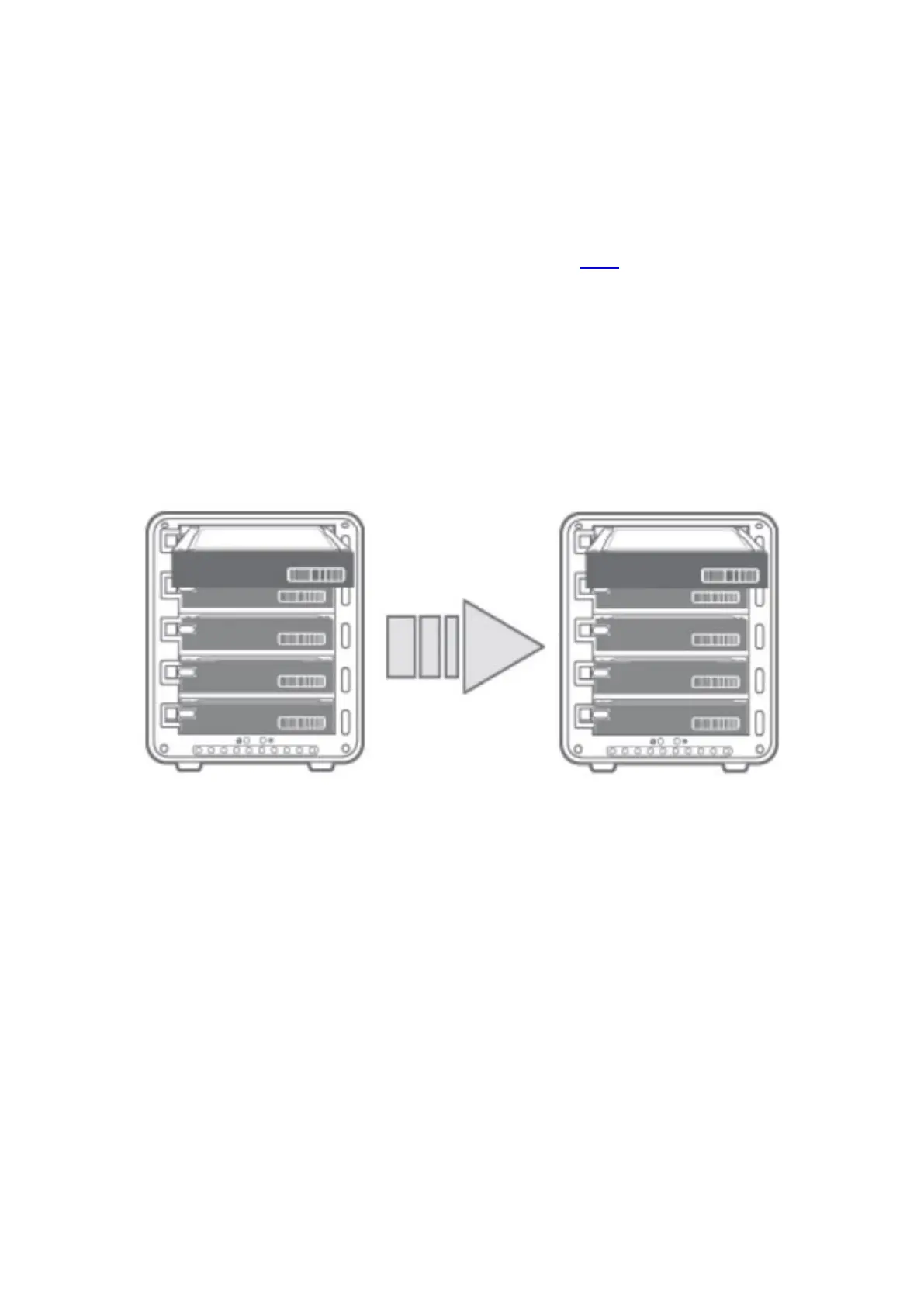
To migrate a disk pack from one Drobo device to Drobo 5D3, follow the steps given
below:
1. Power off both source and destination Drobo devices.
2. Remove the disks from the source Drobo device and insert them into Drobo
5D3.
3. Turn on the Drobo 5D3 by pressing its power toggle button.
4. The Drobo 5D3 may take a few minutes to boot up. When finished, all the data
and volumes will be accessible as it was on the source Drobo device.


 To Previous Page
 Loading...

