drobo.com | Getting Started Guide for Your Drobo / Pro / S |
26
drobo.com | Getting Started Guide for Your Drobo / Pro / S |
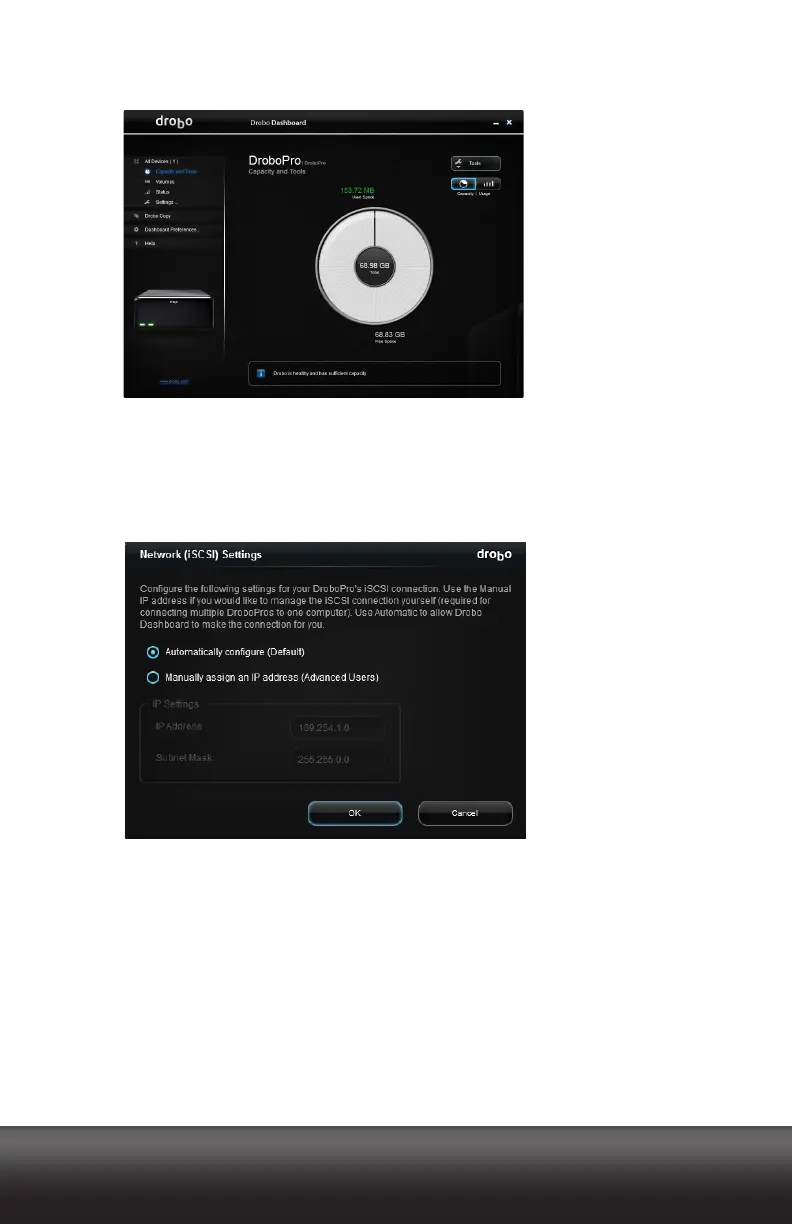
When the process is complete, your DroboPro appears in Drobo Dashboard as follows.
6. To man ua lly as sig n an IP add re ss, fr om th e Navigation menu at the left, click the
Settings option, and then click Network.
The Network (iSCSI) Settings page appears.
7. Select the Manually Assign an IP address option button.



 To Next Page