* FAT32 is an older file system format that is generally less
protective of your data than modern (journaled) file systems. It also
has slower performance and file size limitations.
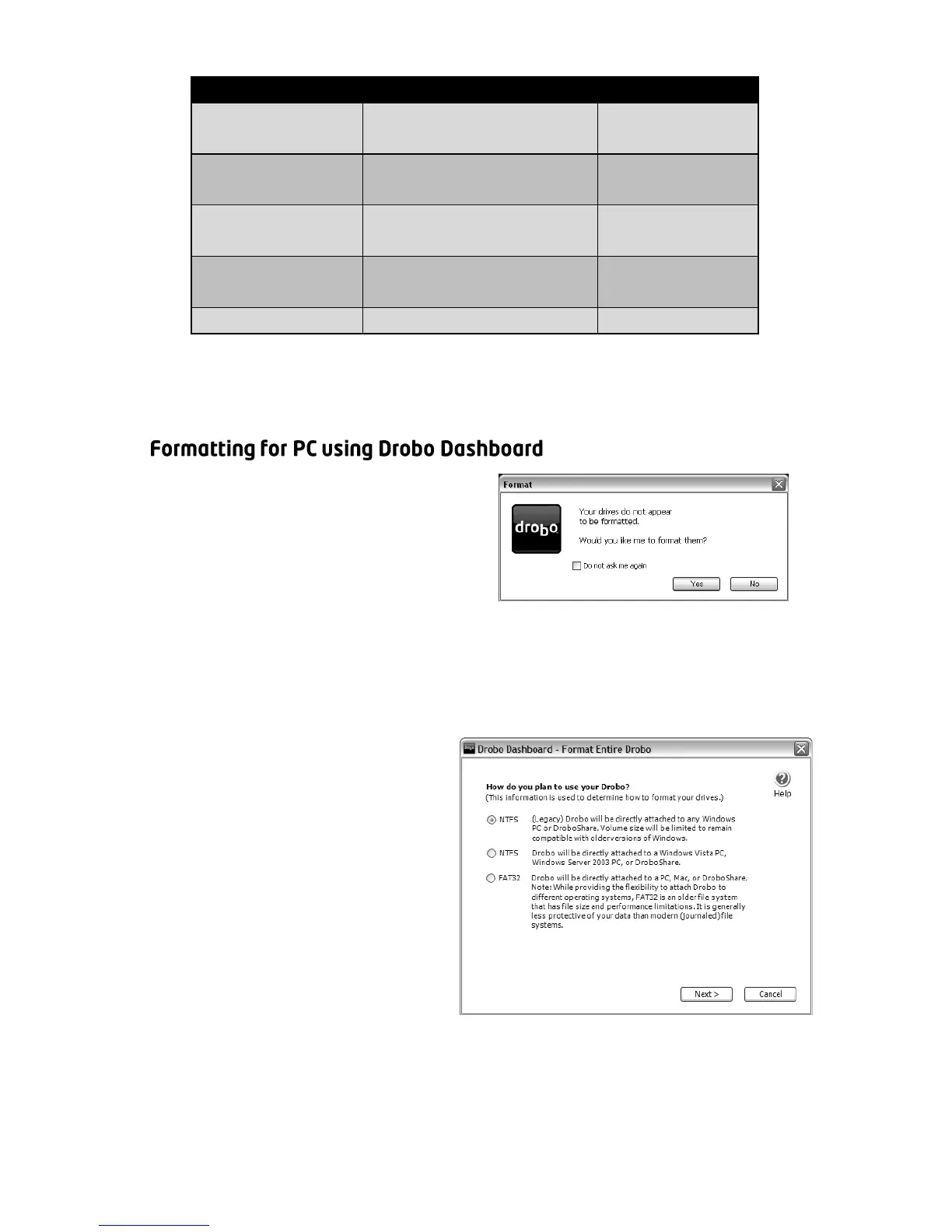
1. Once Drobo has finished
starting up, Drobo Dashboard
will automatically discover it
and show the message to the
right. Click “Yes”.
Note: Newer versions of Windows (including Vista) will also offer to format
your Drobo. We recommend that you click “Cancel” and use Drobo
Dashboard to format.
2. You will be shown the
message to the right asking
you to select Drobo’s file
system format. You have
the choice between NTFS
(XP Compatible), NTFS, and
FAT32. For most, either
version of NTFS is the best
choice. After you choose,
click “Next”.



 To Next Page