30
The Drobo Dashboard application allows you to easily check the status,
change settings, etc., on your DroboPro. See page 5 for an overview of
Drobo Dashboard. Drobo Dashboard also makes it easy to back up files
to your DroboPro and set alerts.
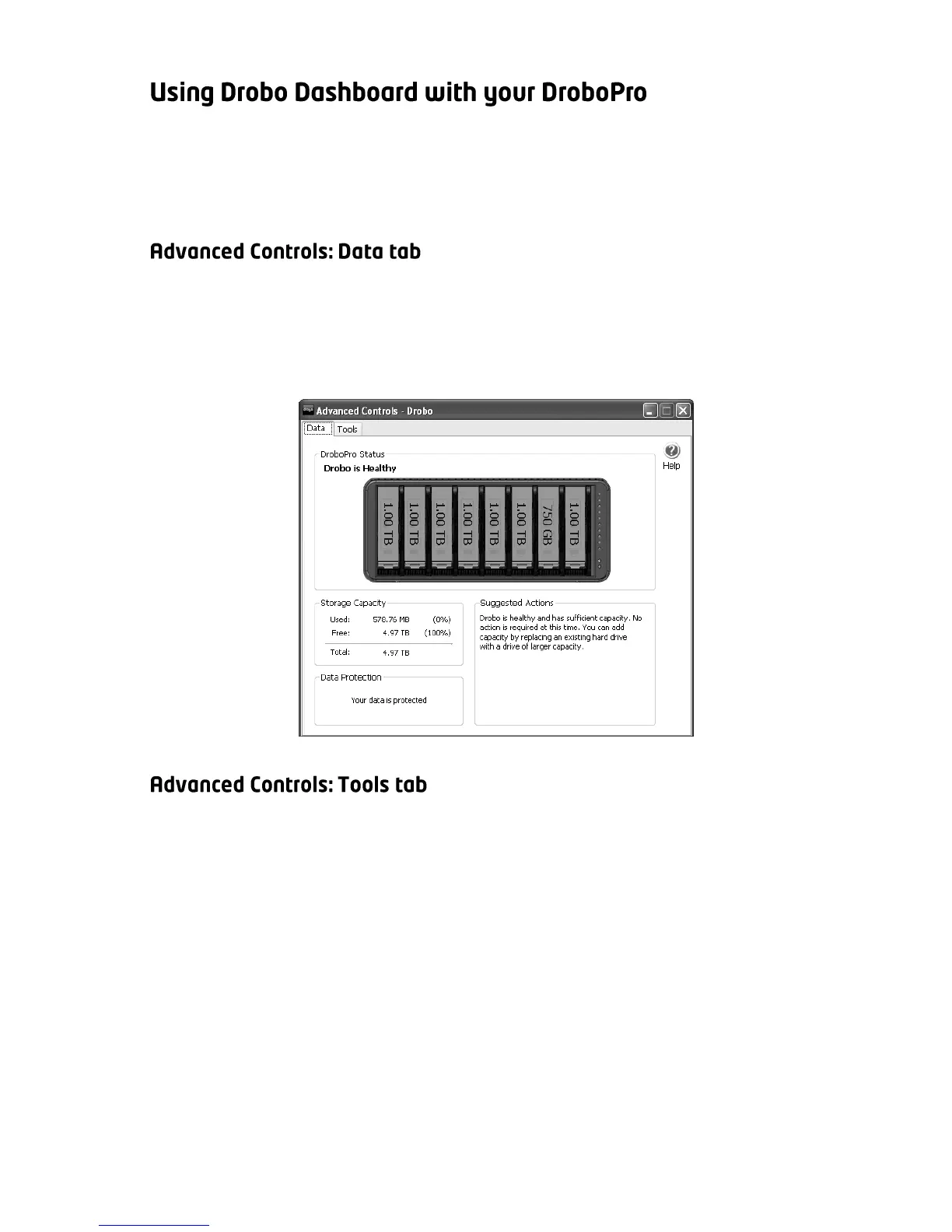
The Data tab in Advanced Controls gives you in-depth details on the
status of your DroboPro. You should go to this screen if DroboPro is in
the process of protecting your data and you would like to know when it
will finish. The progress will be shown in the “Data Protection” section.
The Tools tab gives you access to controls that allow you to customize
your DroboPro to best suit your needs. In this window you can reset
your DroboPro, reformat the volumes on the DroboPro, or change a
variety of settings. Additionally, this page displays useful information
about your Drobo and provides an easy way to check for updates of
Drobo Dashboard and your unit’s firmware.



 To Next Page