29
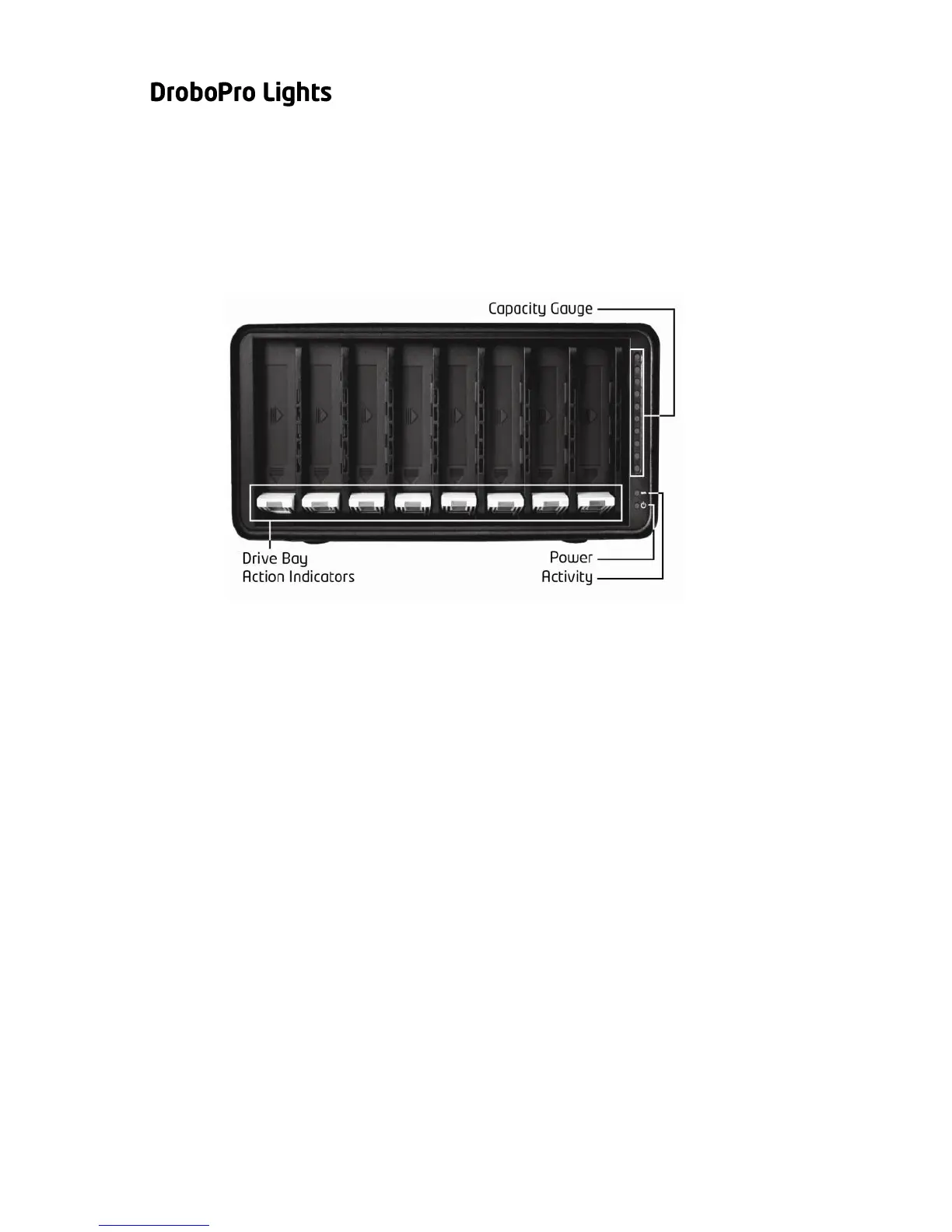
One of DroboPro’s many benefits is a series of lights that tell you
everything you need to know, without your having to launch any
application software on your computer. Remember, DroboPro is
designed to actively monitor and protect your data at all times.
DroboPro will automatically take any necessary actions and display
them using the following lights:
Green: No action is required. All drives are healthy.
Solid Yellow: Add a drive or replace the current drive
with a larger drive soon. DroboPro is running out of
disk space.
Blinking Yellow and Green: Do not remove these
drives or power down. DroboPro is working to
protect your data.
Solid Red: Add a drive or replace the current drive
with a larger drive immediately. DroboPro is critically
low on space.
Blinking Red: Replace this drive immediately. This
drive has failed and needs to be replaced.
Green: The power is on and DroboPro is ready.
Yellow: DroboPro is in standby mode.
Red: DroboPro has overheated. Disconnect the data
cable and then the power cable. Let it cool down and
then restart.
Blinking Green: Data is actively being transferred
between your computer and DroboPro.
Blue: Displays the percentage of your DroboPro that
is full, in 10% increments.



 To Next Page