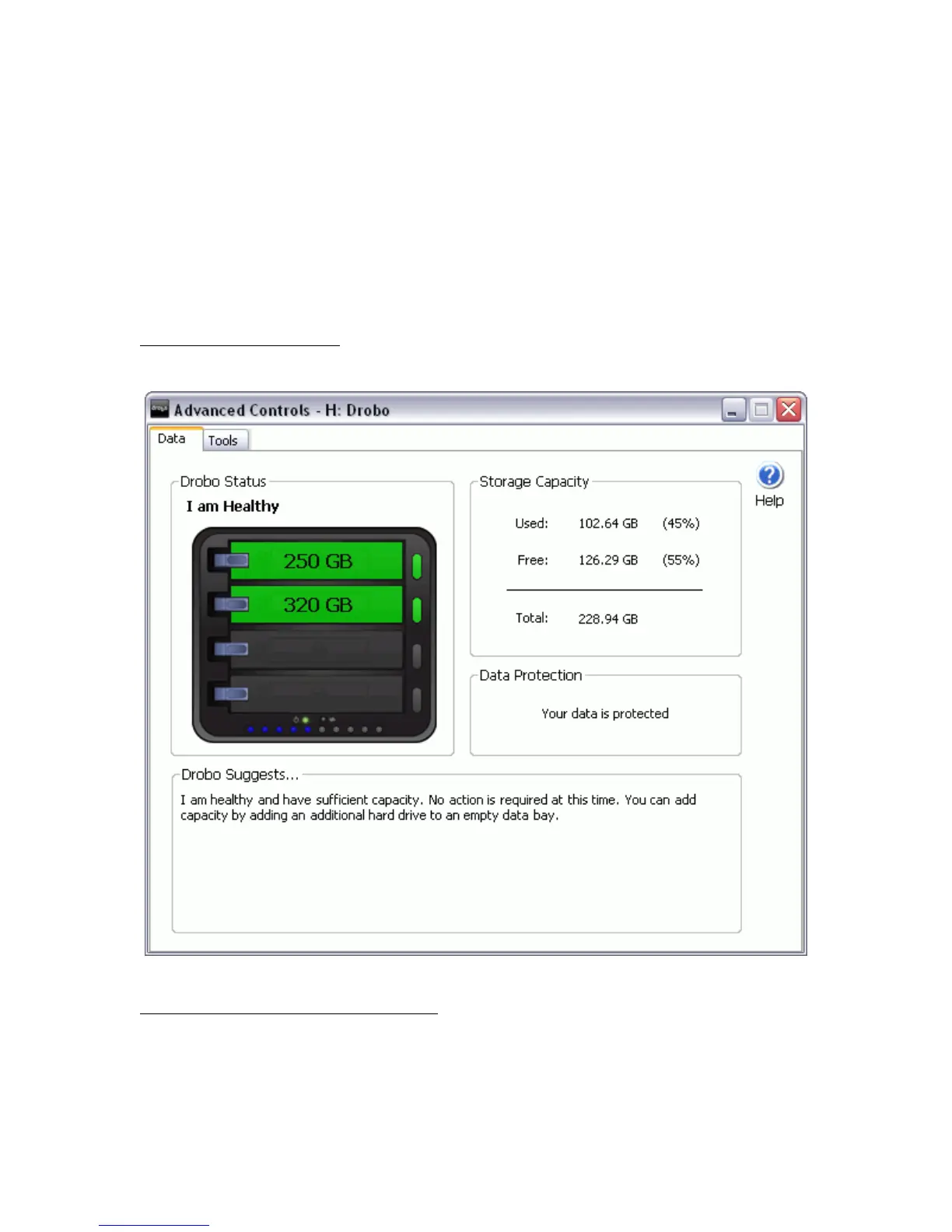
Advanced Drobo Dashboard
Data Tab
You can access the Data Tab from the Advanced Controls Panel. You can also access the Data Tab by right-clicking on
the Drobo Dashboard icon in the Windows System Tray and selecting Data.
Depending on whether Drobo is directly connected to your PC or connected through the network via DroboShare, the
Data Tab will show a graphical depiction of Drobo or Drobo and DroboShare.
Drobo directly connected to your PC
Drobo connected through the network via DroboShare
33



 To Next Page