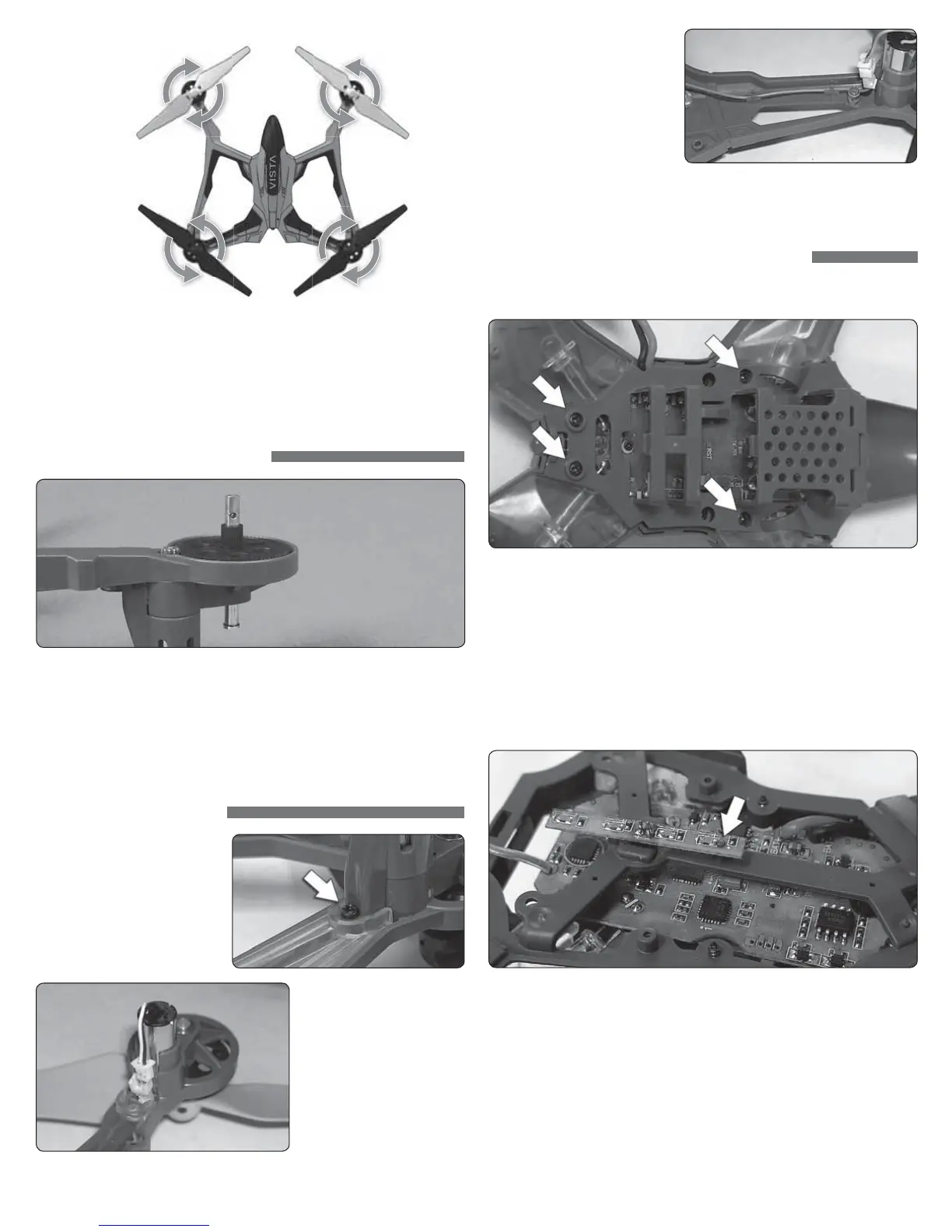
REAR
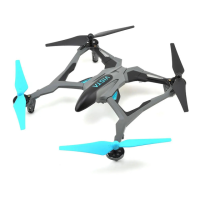
Black Blades,
White LEDs
FRONT
Color Blades,
Color LEDs
AB
BA
NOTE: The rotor blades and each arm have arrows that indicate which way the
prop rotates. Please check the arrows to verify that the correct replacement
rotor blade has been installed.
GEAR SHAFT REPLACEMENT
1. Remove Rotor Blade from Gear Shaft
2. Push shaft down to remove it from the gear.
3. Install the new gear shaft and rotor blade if it is not damaged.
NOTE: While the gear is out, check it carefully for any cracks or damage
to the teeth.
MOTOR REPLACEMENT
1. Remove screw securing the
motor cover to the arm and
pull the cover off the motor.
2. Use a small flat blade
screwdriver to separate
the motor plug from the
socket. DO NOT pull the
wires.
3. Remove the motor from
the frame and insert the
replacement. Make sure
that the wire colors on the
replacement motor are the
same as the original. The
motors for the clockwise
props have black and
white wires. The counter-
clockwise props use motors with blue and red wires.
FLIGHT CONTROL BOARD REPLACEMENT
1. Remove all 4 motor covers and the two screws in the section between
the front and back arms.
2. Remove the battery frame.
3. Remove the LED covers and unplug all 4 motors. Carefully pull the motor
wires out of the frame.
4. Remove the two canopy screws and the canopy. Under the canopy is
canopy LED strip that must be unplugged from the control board.
5. Remove the 3 screws holding the control board and remove the board.
6. Install the canopy LED strip and the canopy. Be sure that the post is
supporting the back of the LED strip.


 To Next Page