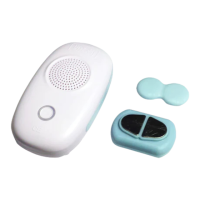
Pressing the Power button on the Transceiver, or
Pressing the OFF button on the Remote.
When the alarm is stopped, the light becomes YELLOW, indicating that the Transceiver is back
in its SLEEP state, and will not receive signals from the Sensor.
Note: After the alarm has been stopped and the system is in the SLEEP state, this is when the
soiled sensor should be cleaned and dried, and reattached to clean briefs. The sensor stays
“OFF” for two minutes after it has been triggered. If cleaning the sensor and getting ready is
likely to take more than two minutes, that is O.K.
The Transceiver can be turned OFF by
Disconnecting the electric power to the Transceiver.
When the Transceiver is OFF, there is no light under the Power button, and the system is not
active. To make the system active, power must be connected to the Transceiver, it must then
be switched into its READY state.
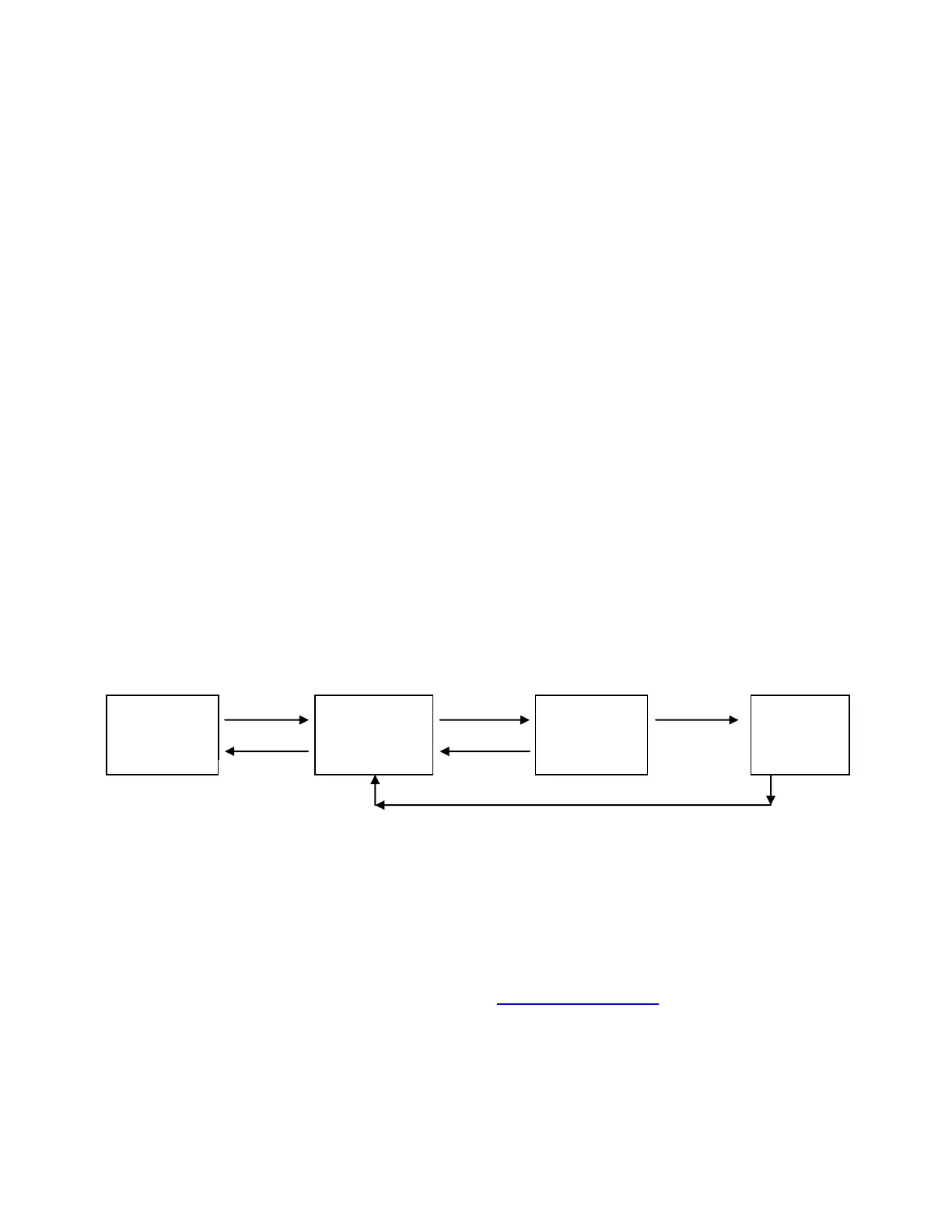
To summarize, the Power button or a Remote button can be used to:
Note: When the system is in Remote Only (RO) mode, only the Remote can be used to go
between the SLEEP and READY states or to switch the alarm OFF. The Power button will not
function. This will be explained later.
Please refer to the DryBuddyFLEX FAQ section on www.DryBuddy.com for additional
information, advice and many answered questions:
www.DryBuddy.com FAQ DryBuddyFLEX


 To Previous Page
 Loading...