30
- Sound Recorder
To start the sound recorder, tap on the Sound Recorder icon to run
the application.
Tap on the icon to start recording.
Tap on the icon to stop recording.
Once you stopped the recording, system will prompt:
Discard
Done
Tap on Discard to discard the recording;Tap on Done to save the
recording.
The recorded files can be found at root directory of folder File
Manager.
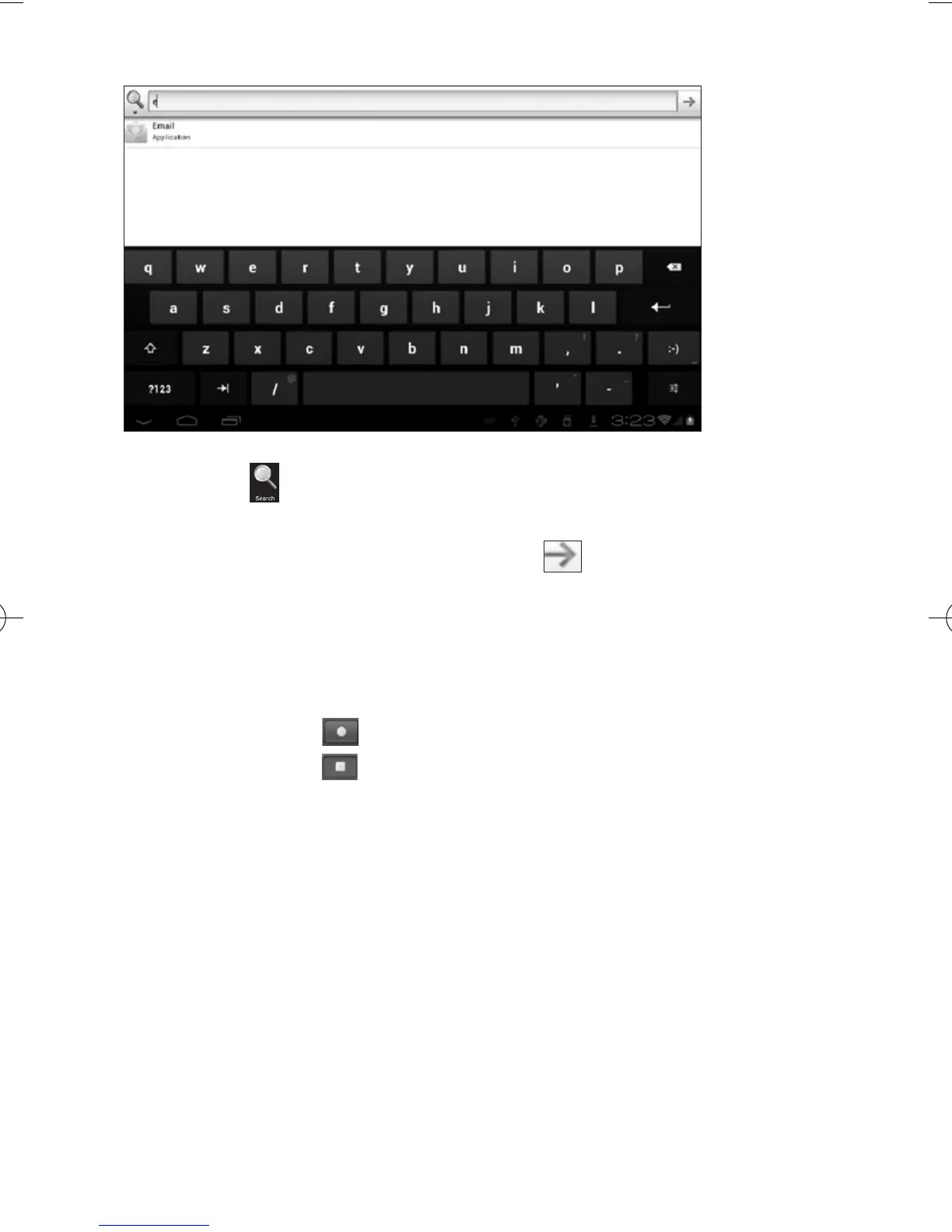
- Search
Search the APK files in your tablet or search online.
To search online, please tap on the icon



 To Next Page