8
7 Tablet Operation Interface
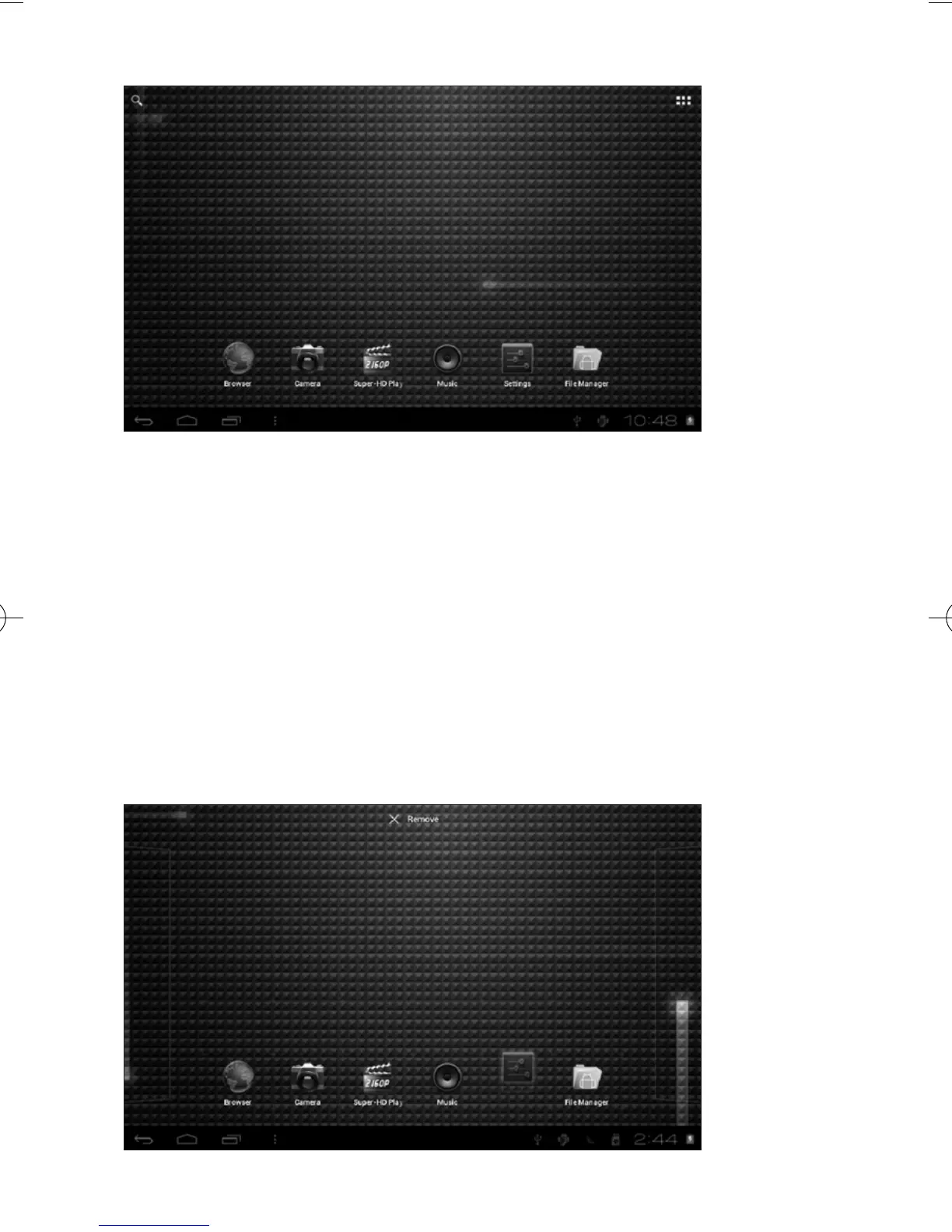
7.1 After starting up, you will enter into below main screen interface
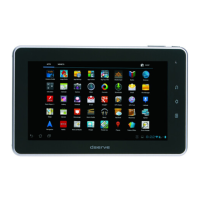
7.2 In the main interface, you can manage main interface software icons:
press the icon and hold it for 3 seconds, then you can drag anywhere
in the main interface.
7.3 Delete icons: press the icon and hold it for 3 seconds, and drag the
icon onto the “Remove” icon, then you can delete that icon from
desktop.


 To Next Page