Initial Communications
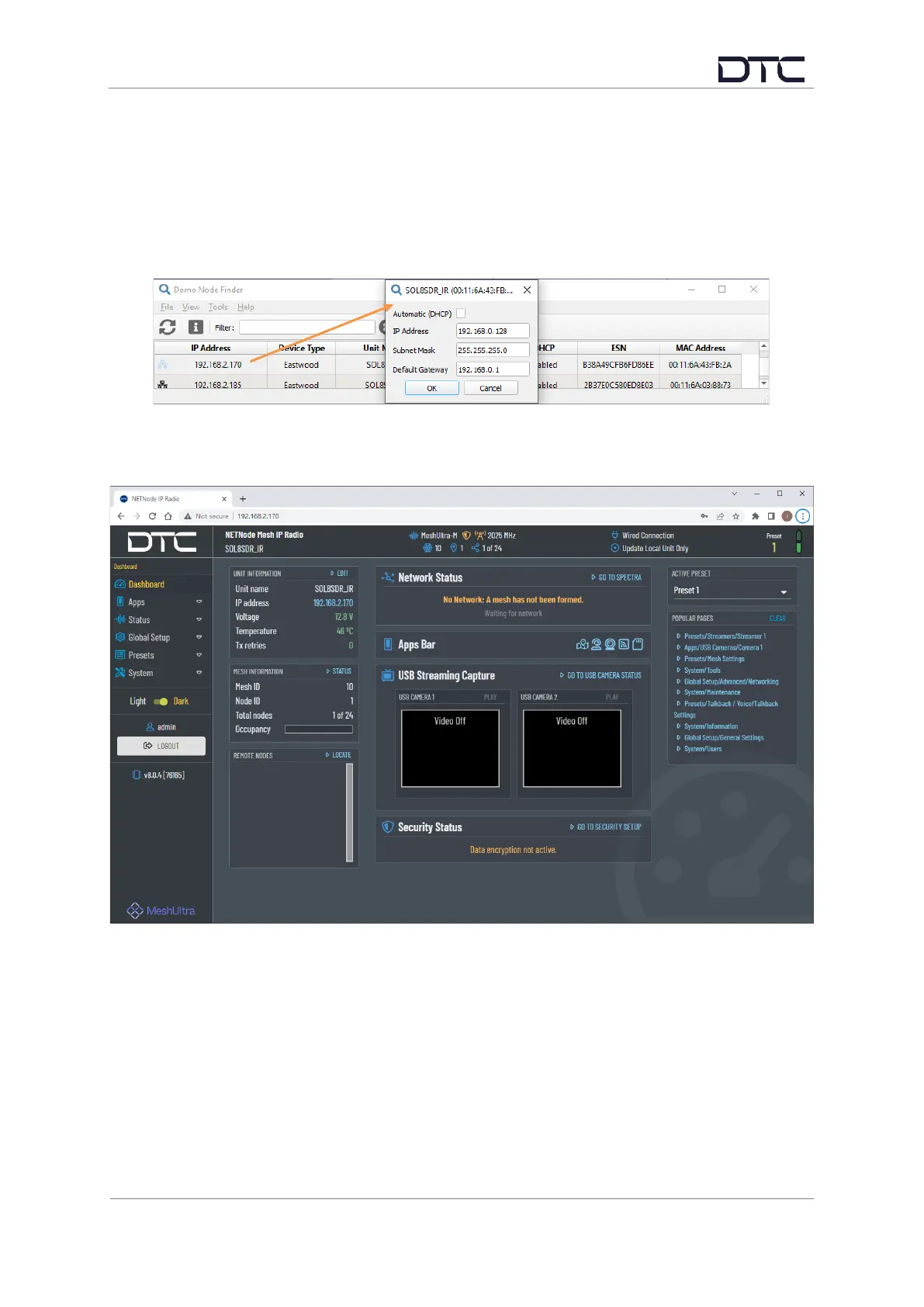
DTC’s Node Finder application can be used to identify all DTC device Ethernet IP addresses
connected on a network.
The default setting requires the device to be connected by Ethernet to a DHCP server which will
automatically allocate an IP address. If a DHCP server is not available or the SDR is connected
directly to a PC, the SDR and PC IPv4 address will need to be configured to be on the same subnet.
Right-click the SDR on Node Finder to reconfigure the IP settings as needed.
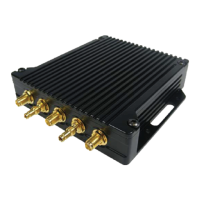
When the SDR IP address has been established, open a web browser, and enter it in the address bar.
On authentication, leave the Username blank and enter the Password as Eastwood.



 To Next Page