2
INSTALL DIGIRIP
Step 1:
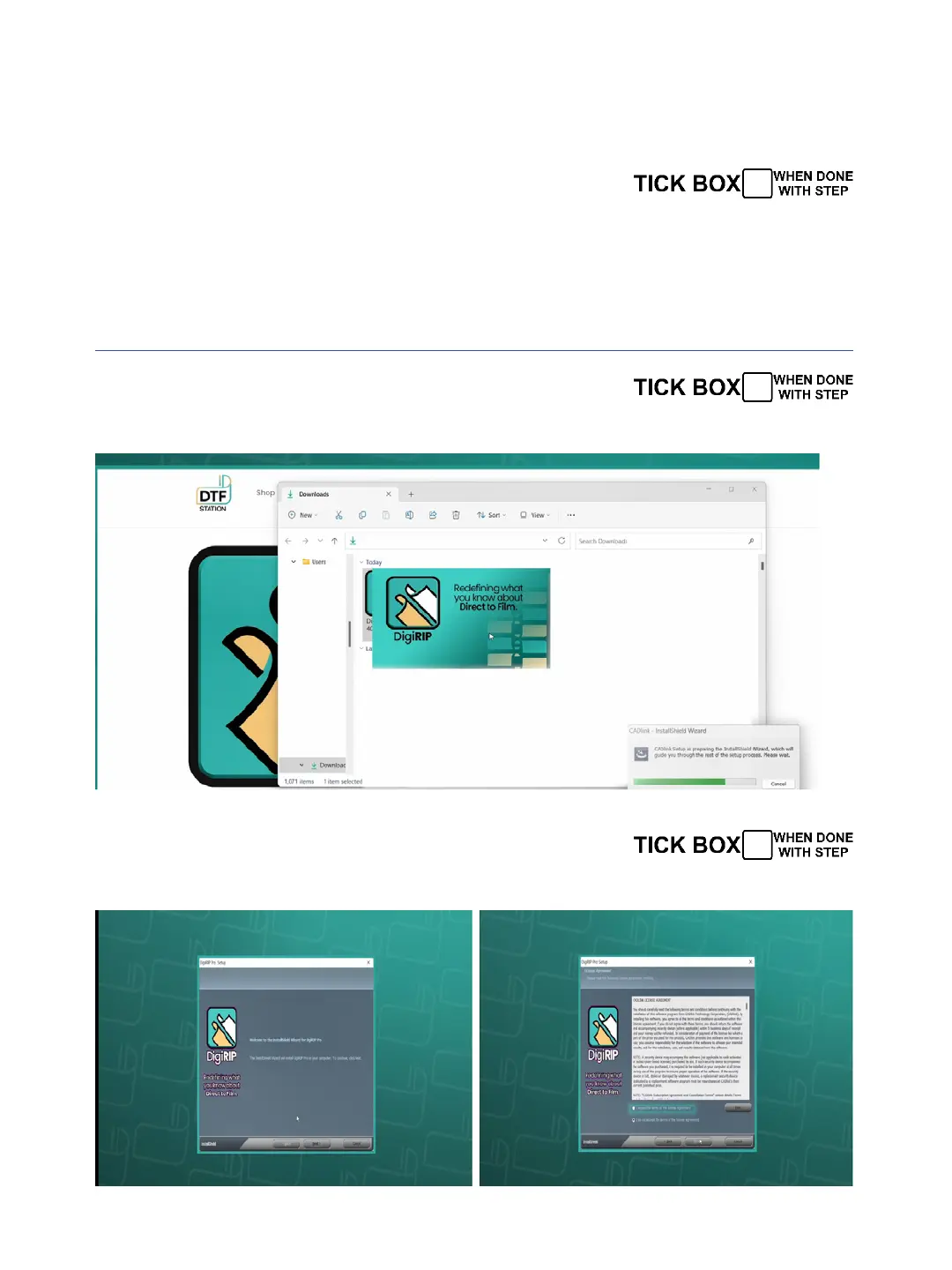
DO NOT connect your printer yet, download and install the
DigiRip Raster image processing (RIP) software rst Use the link
below. The RIP is what allows the printer to print white in the
correct order. Once installed, run DigiRip.
https://drive.google.com/drive/folders/1X7ake2gzAA5KzR90-aaKCauKN6QxtMEg?usp=drive_link
Click on the Icon to open
Step 2:
Step 3:
Click Next and accept the agreement


 To Next Page