EasyManua.ls Logo

Dual Electronics Corporation MXD25 - User Manual

Dual Electronics Corporation MXD25
12 pages
Print Icon
To Next Page IconTo Next Page
Loading...
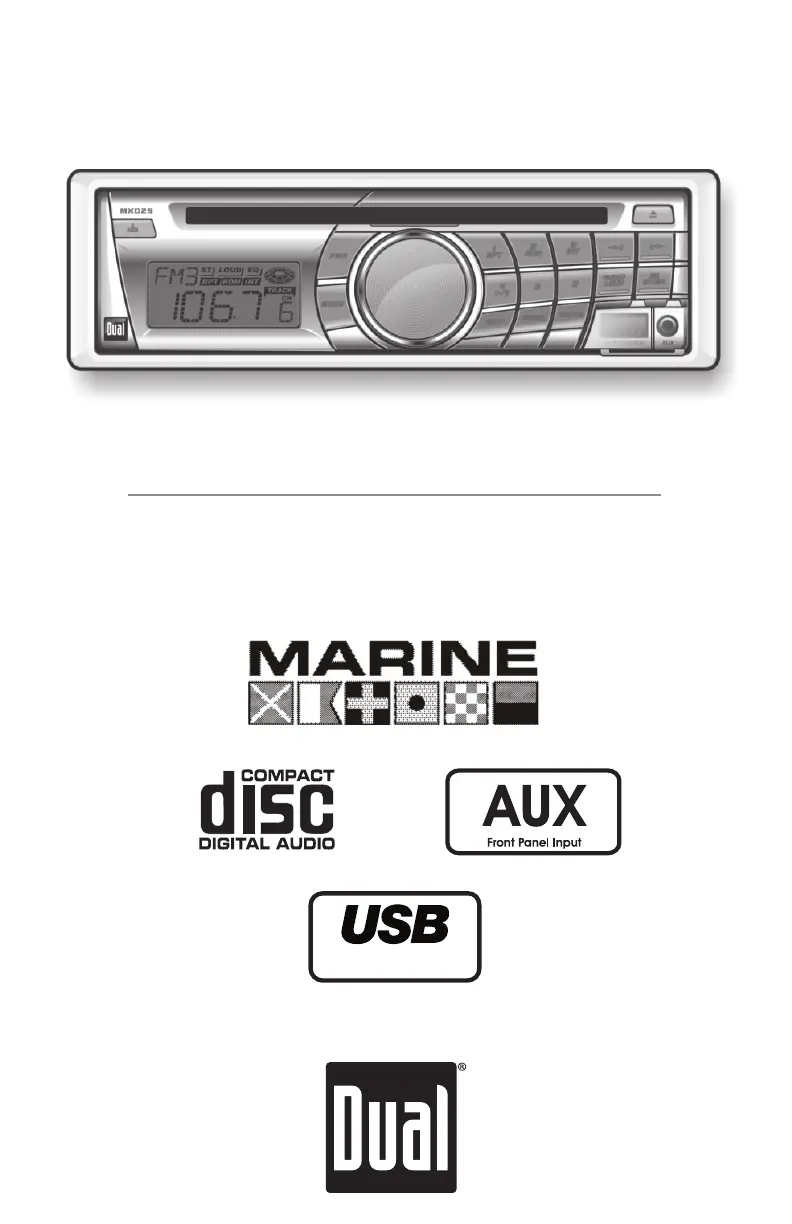
INSTALLATION/OWNER'S MANUAL
AM/FM/CD Marine Receiver with
Auxiliary Input, USB Charging Port and Detachable Face
MXD25
Charge Port

Questions and Answers

  • D
    danielspatriciaJul 31, 2025
    Why Dual Electronics Corporation Marine Equipment will not turn on?
    • V
      Virginia CarterJul 31, 2025
      If your Dual Electronics Corporation Marine Equipment won't turn on, several things could be the cause. First, check that the yellow wire is properly connected and has the correct voltage (11~16VDC). Next, verify the black wire is connected to ground. Finally, inspect the fuse and replace it if it's blown.
  • J
    James AlexanderAug 5, 2025
    What to do if Dual Electronics Corporation Marine Equipment blows fuses?
    • R
      Ryan NicholsAug 5, 2025
      If your Dual Electronics Corporation Marine Equipment keeps blowing fuses, there are a few potential causes. Check if the yellow or red wire is touching the chassis ground, looking for any pinched wires. Also, see if any speaker wires are touching the chassis ground, again checking for pinched wires. Lastly, ensure you are using a fuse with the correct rating.
  • A
    Andrea ChandlerAug 12, 2025
    How to troubleshoot Dual Electronics Corporation Marine Equipment with power but no sound?
    • S
      Sarah GreeneAug 12, 2025
      If your Dual Electronics Corporation Marine Equipment has power but no sound, the issue might be with the speaker connections. Start by checking the connections at the speakers. Also, ensure that none of the bare speaker wires are touching each other or the chassis ground; insulate them if they are.
  • E
    Ethan GreerAug 17, 2025
    What causes excessive skipping in Dual Electronics Corporation Marine Equipment?
    • T
      tonybishopAug 17, 2025
      If your Dual Electronics Corporation Marine Equipment is skipping excessively, there are a couple of things to investigate. First, make sure the unit is mounted correctly and the backstrap is secure; check the mounting sleeve and backstrap support. Also, inspect the media (CD, CD-R, or CD-RW) for any physical defects like scratches.
  • C
    Cynthia ThomasAug 23, 2025
    How to fix Dual Electronics Corporation MXD25 Marine Equipment when it will not accept a disc?
    • A
      Angela TrevinoAug 23, 2025
      If your Dual Electronics Corporation Marine Equipment won't accept a disc, there are a couple of things you can try. First, press the EJECT button for 3 seconds to reset the CD mechanism position. Also, check the top of the unit for two transit screws and remove them if they are still in place.

Summary

Preparation

Before Installation

Safety and environmental considerations before beginning the MXD25 installation.

Installation Steps

Procedural guide for physically installing the MXD25 unit into a vehicle.

Wiring Diagram

Control Locations

Troubleshooting

Common Problems and Solutions

Addresses common issues like no power, no sound, blown fuses, and skipping.

Error Codes

Explanation of error codes displayed on the unit and recommended actions.

Limited One Year Warranty

Warranty Coverage and Exclusions

Details what is covered by the warranty and specific exclusions.

Obtaining Service

Instructions on how to contact support and send the product for warranty service.

Dual Electronics Corporation MXD25 Specifications

General IconGeneral
BrandDual Electronics Corporation
ModelMXD25
CategoryMarine Equipment
LanguageEnglish