EasyManua.ls Logo

Dual DL-TQL32R1-002 - User Manual

Dual DL-TQL32R1-002
32 pages
Print Icon
To Next Page IconTo Next Page
Loading...
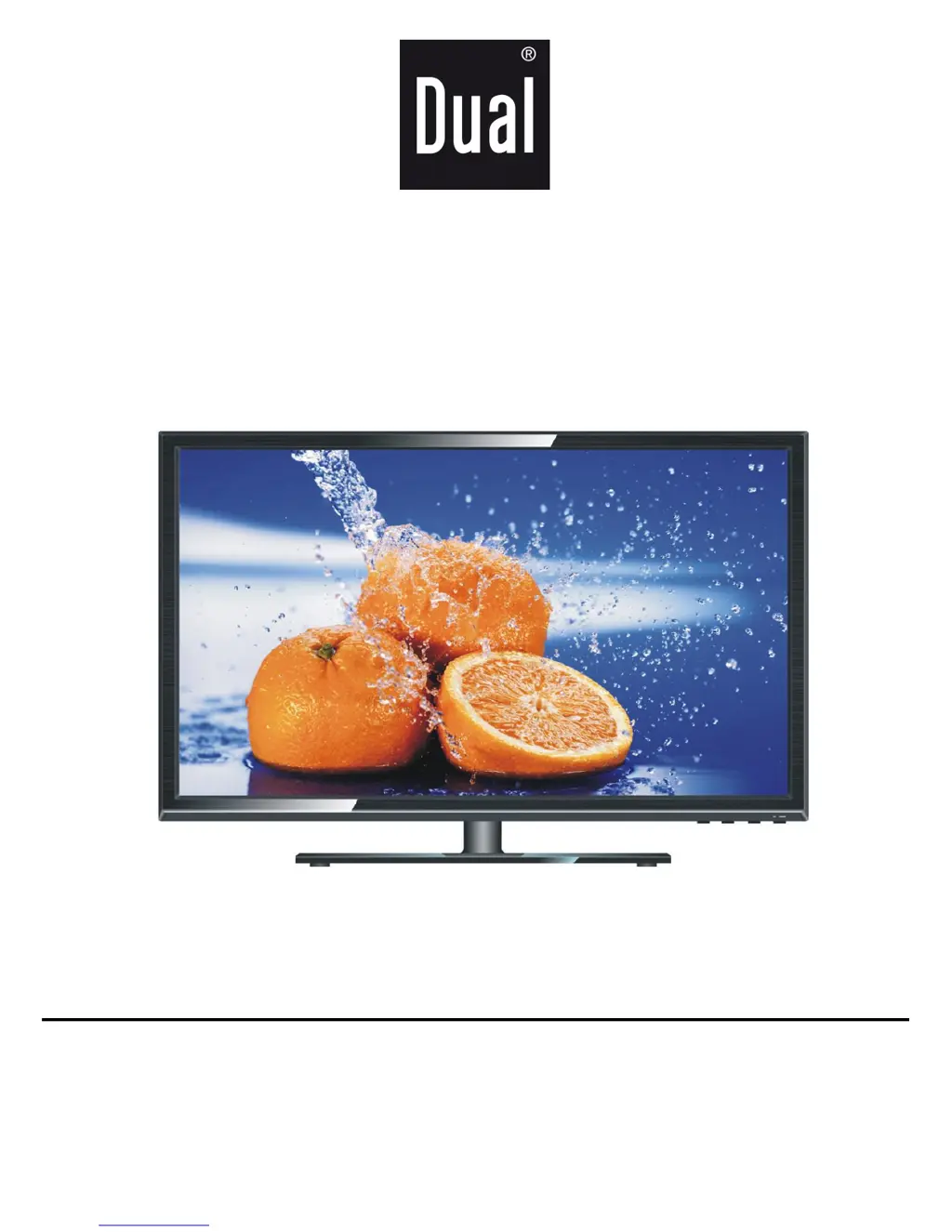
32” WIDESCREEN LED TV
MODEL NO.: DL-TQL32R1-002
USER MANUAL
Please read this manual carefully before using,
and keep it for future reference.
Dual provide 2 years pick up and return warrantee service for this product,
If there is any technical problem please call helpdesk: 00800-34448378 .During office hours.

Questions and Answers

  • C
    Cesar AlvaradoAug 1, 2025
    Why is my Dual LED TV remote control not working?
    • J
      Jeffrey PetersAug 1, 2025
      If the Dual LED TV remote control isn't working, first ensure the batteries are correctly installed, paying attention to the polarities. If that doesn't work, the batteries may be exhausted, so replace them with new ones. Also, make sure you are pointing the remote control directly at the remote control sensor, are within 6 meters of the TV, and that there are no obstacles blocking the signal.
  • S
    Susan JamesAug 7, 2025
    What to do if there is no sound or distorted sound on Dual LED TV?
    • D
      deborah16Aug 7, 2025
      If you're experiencing no sound or distorted sound on your Dual LED TV, begin by ensuring that all equipment is properly connected. Next, verify that the input settings for both the TV and any connected stereo system are correct. Finally, adjust the master volume to a suitable level using the VOL+/VOL- buttons.
  • S
    Sarah OlsonAug 13, 2025
    How to fix no or poor picture on Dual LED TV?
    • E
      Emma LamAug 13, 2025
      If you are experiencing no or poor picture quality on your Dual LED TV, try these steps. First, adjust the antenna or use an external antenna. If inside a building, relocate the unit near a window. Move any units away from the TV that may be causing interference. You can also try performing Auto Tuning again or switching to another channel.
  • J
    Jacob ChavezAug 18, 2025
    How to troubleshoot no sound or poor sound on Dual LED TV?
    • D
      david99Aug 18, 2025
      If you have no sound or poor sound on your Dual LED TV, first check the audio settings. Next, ensure that the mute function is off by pressing the MUTE button on the remote control. Finally, check if headphones are plugged in, and unplug them if they are.
  • K
    kim31Aug 25, 2025
    Why is my Dual LED TV showing noise or interference?
    • W
      williamsvalerieAug 25, 2025
      If your Dual LED TV is experiencing noise or other interference, it may be due to electronic equipment nearby. Try relocating the TV or moving the interfering equipment away from it.

Summary

IMPORTANT INSTRUCTIONS

SAFETY INSTRUCTIONS

General safety warnings regarding electrical hazards, proper usage, and environment.

PRODUCT DAMAGE AND SAFETY CAUTIONS

Cautions against improper use, extreme conditions, and magnetic objects to prevent damage.

GENERAL PARTS

FRONT VIEW OF MAIN UNIT

Identifies and describes the components on the front of the main TV unit.

BACK VIEW OF MAIN UNIT

Identifies and describes the various input/output ports on the back of the TV.

REMOTE CONTROL

BASIC CONNECTION

CONNECTING TO AC POWER SOURCE

Explains how to connect the TV to the AC power outlet.

OPERATIONS

BASIC OPERATIONS

Covers fundamental operations like power on/off, volume, mute, channel selection, and source input.

MAIN MENU NAVIGATION

Provides instructions on navigating and using the TV's main settings menu.

PICTURE SETTINGS

Details adjustments for Picture Mode, Contrast, Brightness, Color, Tint, Sharpness, Color Temperature, and Noise Reduction.

SOUND SETTINGS

Covers adjustments for Sound Mode, Treble, Bass, Balance, and Auto Volume.

FOR REFERENCE

GENERAL TROUBLESHOOTING

Provides solutions for common issues and malfunctions with the TV.

Dual DL-TQL32R1-002 Specifications

General IconGeneral
Screen Size32 inches
Display TypeLED
Resolution1366 x 768
Refresh Rate60 Hz
HDMI Ports2
USB Ports1
Built-in Wi-FiNo
Smart TVNo