30
wah-wah
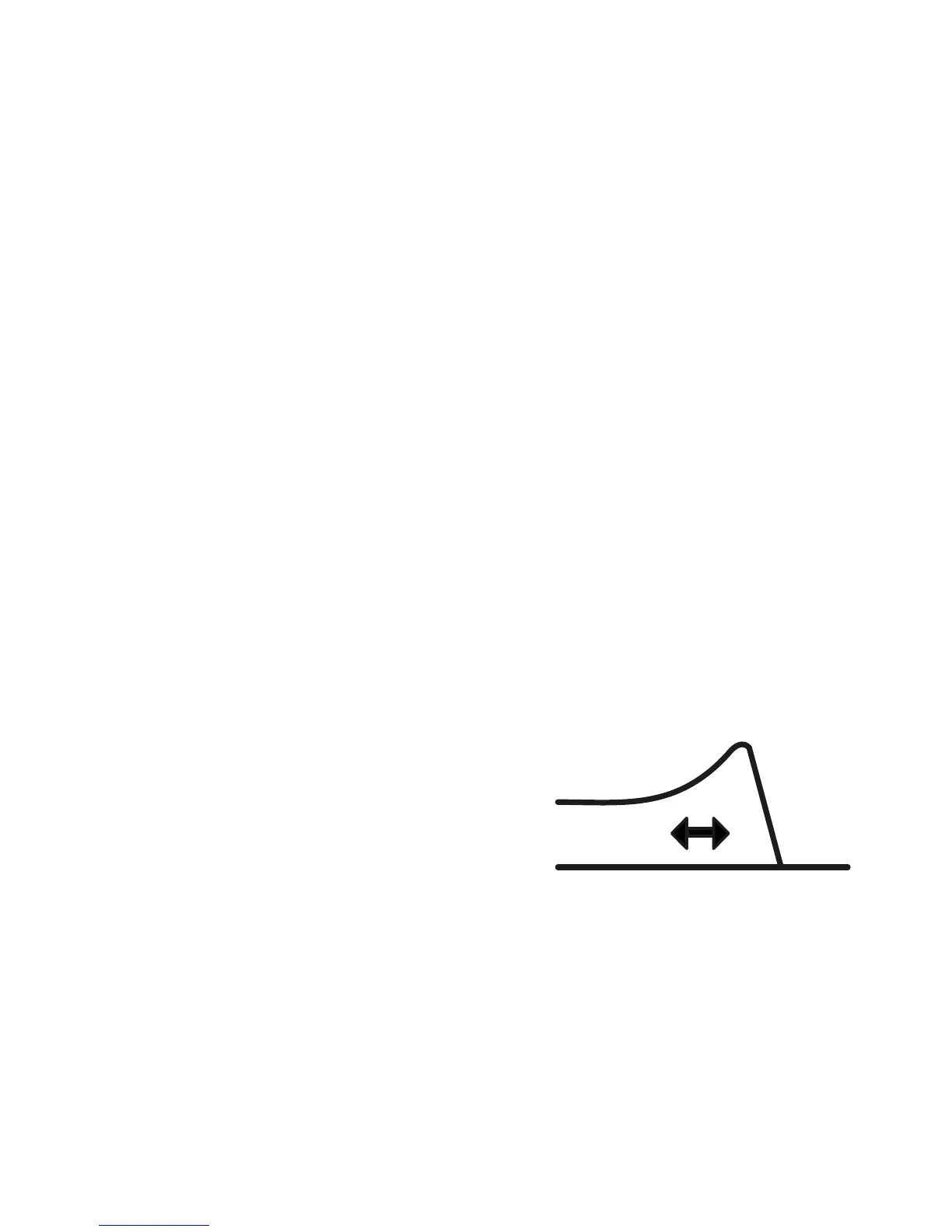
The wah-wah is a lter that scans the frequencies with a greater or lesser
degree of resonance (accentuated frequencies). Stroke the touch strip to
access the various presets:
off: no wah-wah, non-modiable
low small: low-pass lter with low resonance
low big: low-pass lter with high resonance
small band: band-pass lter with low resonance
big band: band-pass lter with high resonance
and 3 user presets, off by default (that you can modify).
At the bottom of the right keyboard there are 2 keys for adjusting each of
these presets:
lter res: resonance gain
lter freq: wah-wah position.
frequencies
resonance


 To Next Page