EasyManua.ls Logo

Ducati PRO-1 - Battery Charging and Activation; Charging Procedures

Ducati PRO-1
368 pages
Print Icon
To Next Page IconTo Next Page
To Previous Page IconTo Previous Page
Loading...
12
CAUTION


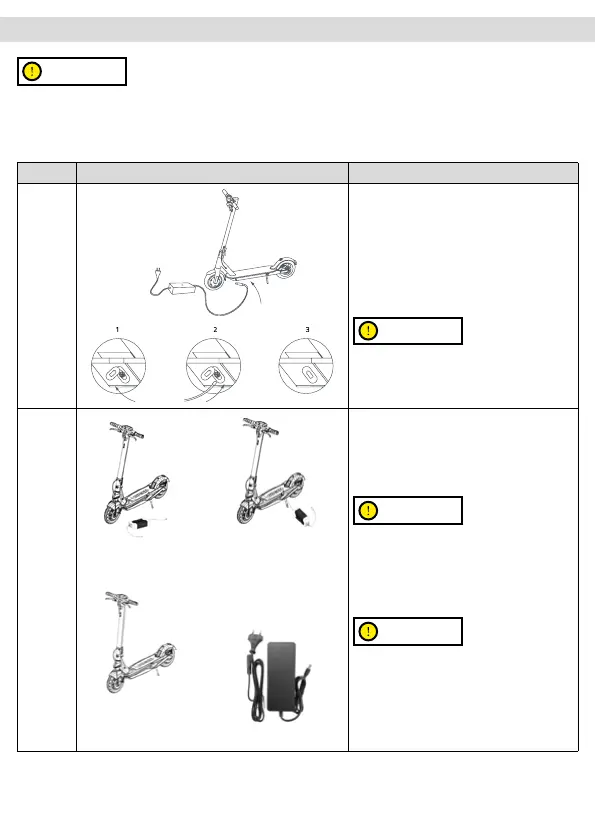
- Open the kickstand

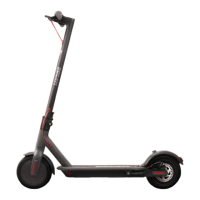
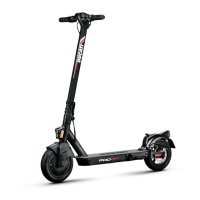
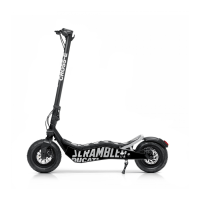
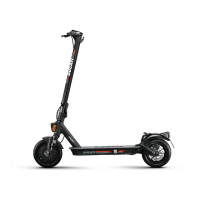
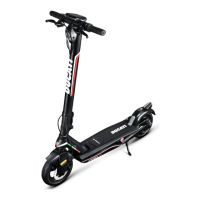
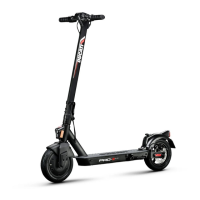
Modello Immagine di riferimento Istruzioni
Pro-I Evo
(black
and white
edition)
Pro-II Plus
Pro-II Evo

1. Open the rubber cap on the charging socket


socket.


CAUTION
The red light on the charger will turn green when
charging is complete.
Pro-III

waterproof cover.

and open the kickstand.
2. Turn the Ducati logo,
open the waterproof
cover, then connect
the charger to the


CAUTION
Charge the device before the first use. We

and before storing it. It is advisable to allow
the vehicle to discharge completely to prevent

CAUTION
The red light on the charger will turn green when
charging is complete.

4. 

Related product manuals