21
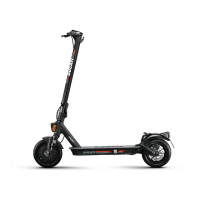
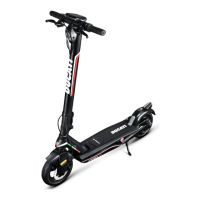
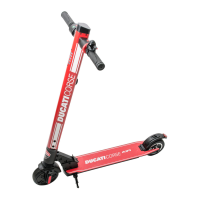
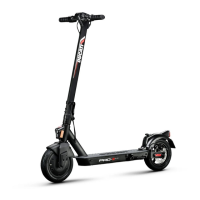
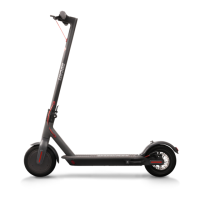
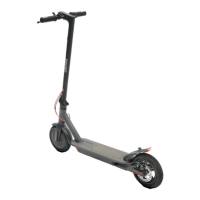
Below is a list of products equipped with Bluetooth that can be paired with the Ducati Urban e-Mobility App: Ducati Pro-I
Evo (Black & White Edition), Pro-II Plus, Pro-II Evo, Pro-III.
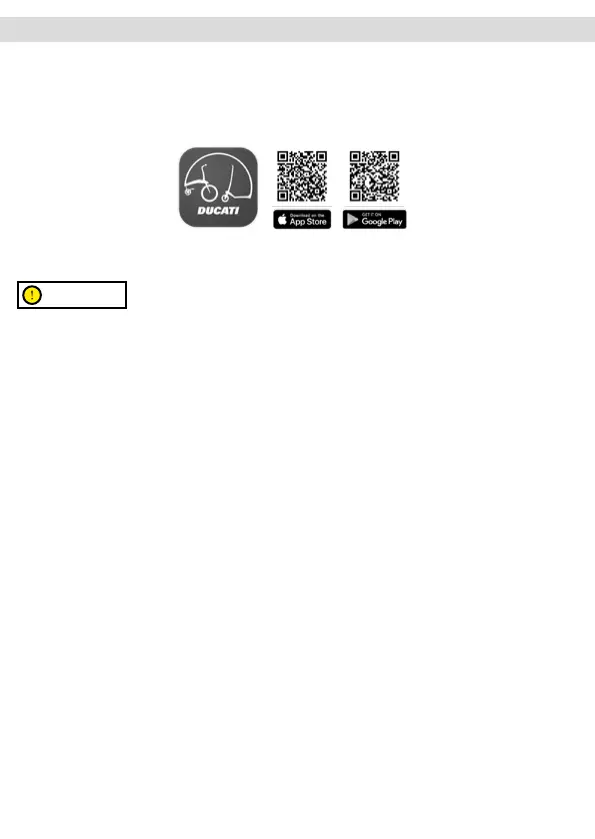
Scan the QR CODE to download and install the App. If the App is not found, search for it on your reference App store..
Open the App and follow the instructions given.
CAUTION
The App may require various permissions required for the use and operation of the App itself.
The App version may have been updated by your App store. It is advisable to constantly check whether any updates are
available for the App in order to be able to use the new features and always install the latest version of the App on your
device.
Do not use your device while riding.
App configuration
What can you do with the Ducati Urban e-Mobility App?
• Set the riding mode
• Set the speed measurement unit (Km/Mph)
• Set the Cruise Control function
• View the cruising speed
• Name the electric scooter
• Set motor block
• Set language
• View the last position of the Ducati Urban E-Mobility vehicle
Access the App Store to download and install the Ducati Urban e-Mobility App
* When using the App for the first time, fill in the “email” field to register and authenticate the verification code.
10. App configuration




 To Next Page