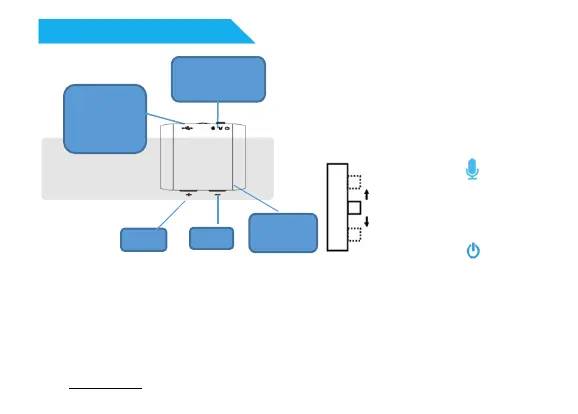
Device:
★ Note:
►Press: After pressing button, release it immediately.
►Long press: After pressing button, hold it on for 3-5 second.
►Please update date/time of the device by Time Tool or by
“FACTORY” file at computer before first use.
►Please check file “NOTE For 'FACTORY 'Setting” at device disk
on computer before first use.
Three-steps
switch
- key
+ key
Earphone/
Charge/
USB port
Indicator
light
+ key: Next/long press VOL+
- key: Playback mode change/long
press VOL-
Three-steps-switch
Power on ( )
|
Voice activated
recording ( V )
|
Power off ( )
Product Illustration
6


 To Next Page
 Loading...