MC • Edition 2023.04 • No. 298 073 Re. -0
12 … 16
13 … 16
Mode
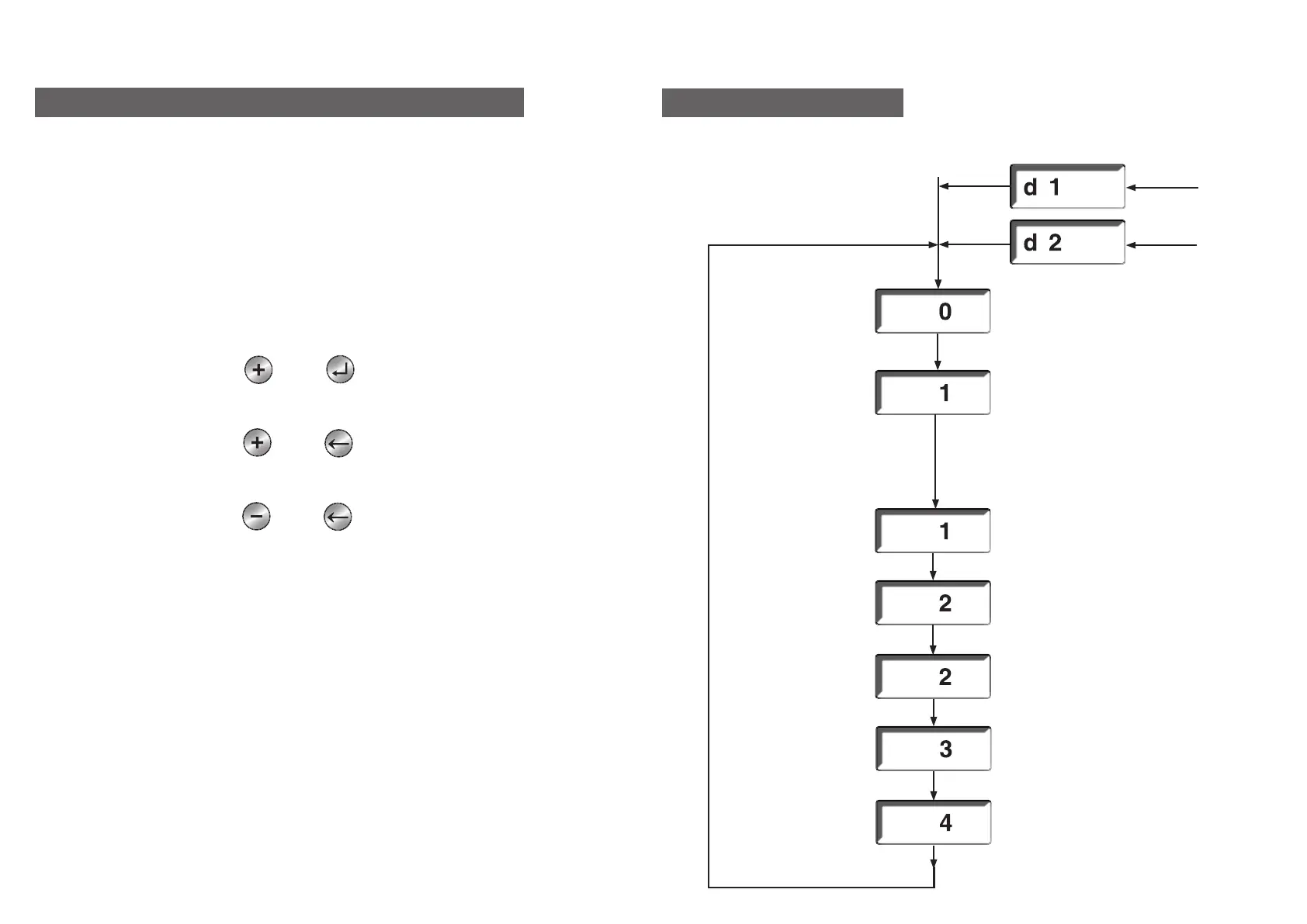
Operating mode display
Error display
Information display
Error memory display
Resetting display
Flashing display
Active
in normal operating conditions, if there is no fault.
if the unit is subject to a malfunction interlock.
From the operating- or error display by pressing the key combination
and
From the operating- or error display by pressing the key combination
and
From the operating- or error display by pressing the key combination
and
Depending on display mode:
1. Prompt to conrm the switch of access level
2. To intentionally reboot the MPA, press and hold the unlock button for
more than 5 seconds (“Enhanced unlock”)
3. Processor 2 error, see error list
4. New password after password change
5. Unit restart, all segments and LEDs ash
Waiting for safety chain
with open safety chain from
watchdog loading phase
state
Waiting for gas pressure
with insufficient gas pressure
Parameter switch to "Auto"
power supply "On"
Waiting for heat request
Idle state control LDW
(air pressure switch)
Safety chain check
Watchdog loading phase
Waiting for air pressure
External light control
Pre-purge
Pre-ignition
First safety time - ignition
First safety time-
Flame detection
Flame A statilisation
Second safety time
Second safety time -
Flame detection
Flame B stabilisation
Operation
Post-purge
Follow-up time
Restart protection
18. Overview of the display modes MPA 4112, MPA 4122 AM 41
18.1 Operating mode display
The display can show dierent information
depending on the operating status of the
automatic burner control system:


 To Next Page
 Loading...