2
3. Instructions for use
3.1 Using the Timer
- Select the «Timer» function (TM).
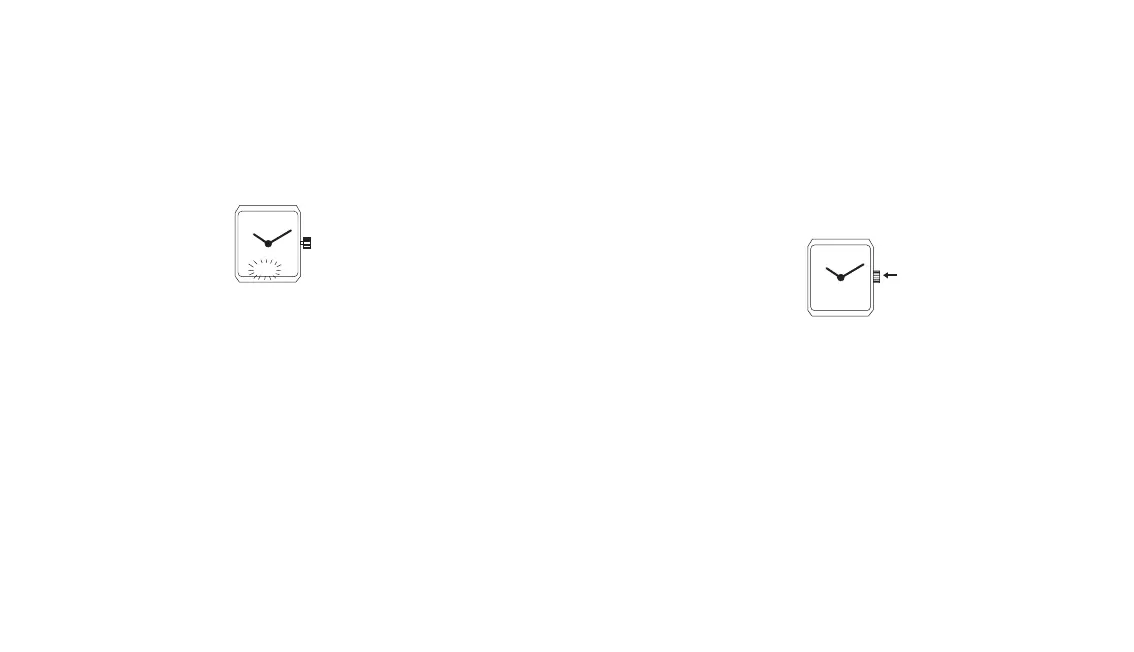
- Pull the crown out
The hours and minutes numerals flash.
- Set the desired time-interval by turning the crown backwards or
forwards (a rapid rotation will change the hours, a slow rotation
the minutes)
- Push the crown back in. The backward counting begins and the
watch rings at the end of the set time-interval.
- Press on the crown to stop ringing.
NB:
The countdown can be annulled at any moment by zero setting of the
timer.
For this:
- Select the «Timer» function (TM)
- Press on crown for more than 2 seconds.
3.2 Using the chronograph
- Select the «Chronograph» function (CHR):
a) Option SP (Split-time): Start, split-time, re-start, split-time, etc.
by pressing successively on the crown.To reset to zero press
crown for longer than 2 seconds.
b) Option AD (time addition): Start, stop, re-start, etc. by pressing
successively on the crown.To reset to zero press crown for longer
than 2 seconds.
- The maximum timing duration is 23 hours, 59 minutes and
59.99 seconds.
- While the chronograph is functioning it is possible to select and
use other functions of the watch.
-Revert to the «Chronograph» function (CHR AD or CHR SP)
for stopping, reading the recorded time and returning to zero.
- After the chronograph is stopped the display shows alternately:
hours – minutes – seconds
hundredths of second.
0.00 00
TM
AAACHA
00 00 00


 To Next Page
 Loading...