5
4.4 Correction of the date
- Select the «Seconds - Date» indication.
- Pull the crown out.
The seconds disappear and the numerals of the month and the
year appear next to the date.
The numerals flash
Seconds Date Year Month Date
-Turn the crown forwards or backwards: a rapid rotation will
change the month and a slow rotation will change the date.
- Push the crown back in.
The month disappears and the seconds reappear.
Attention:
Although the month is not visible in the default display of the watch, it is
necessary that it be correctly selected to permit a proper functioning of the
perpetual calendar.
4.5 Correction of the date
- Select the «Day-Date» indication
Day Date
- Pull the crown out
A letter appears in place of the date.
This indicates the language in which the day is indicated:
E=English
D=German
F=French
S=Spanish
- The day flashes
-Turn the crown to get the desired day and the language
- Push the crown back in.
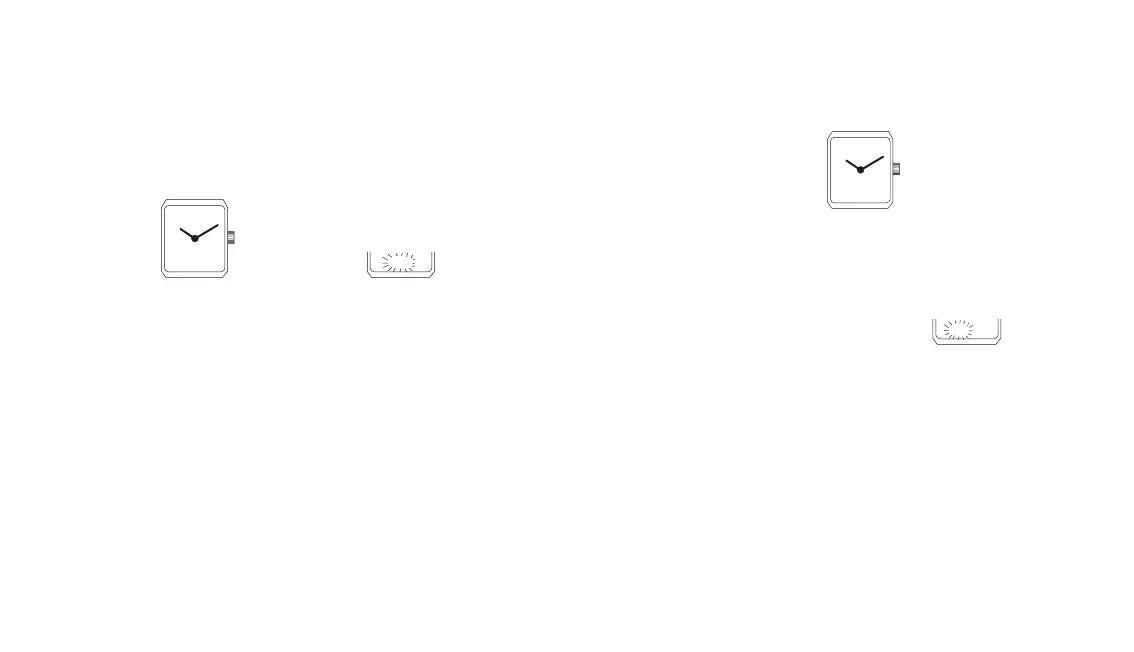
4.6 Synchronising the analogue display (hands) with the numerical
display (dial)
After replacing the battery or exceptionally, in case of a
disturbance of the display, it will become necessary to synchronise
the time indicated by the hands with the time indicated by the
numerals on the dial.
35 I0
o2.I 0.18.
LU I0
LU F0


 To Next Page
 Loading...