DISPLAY SETTING
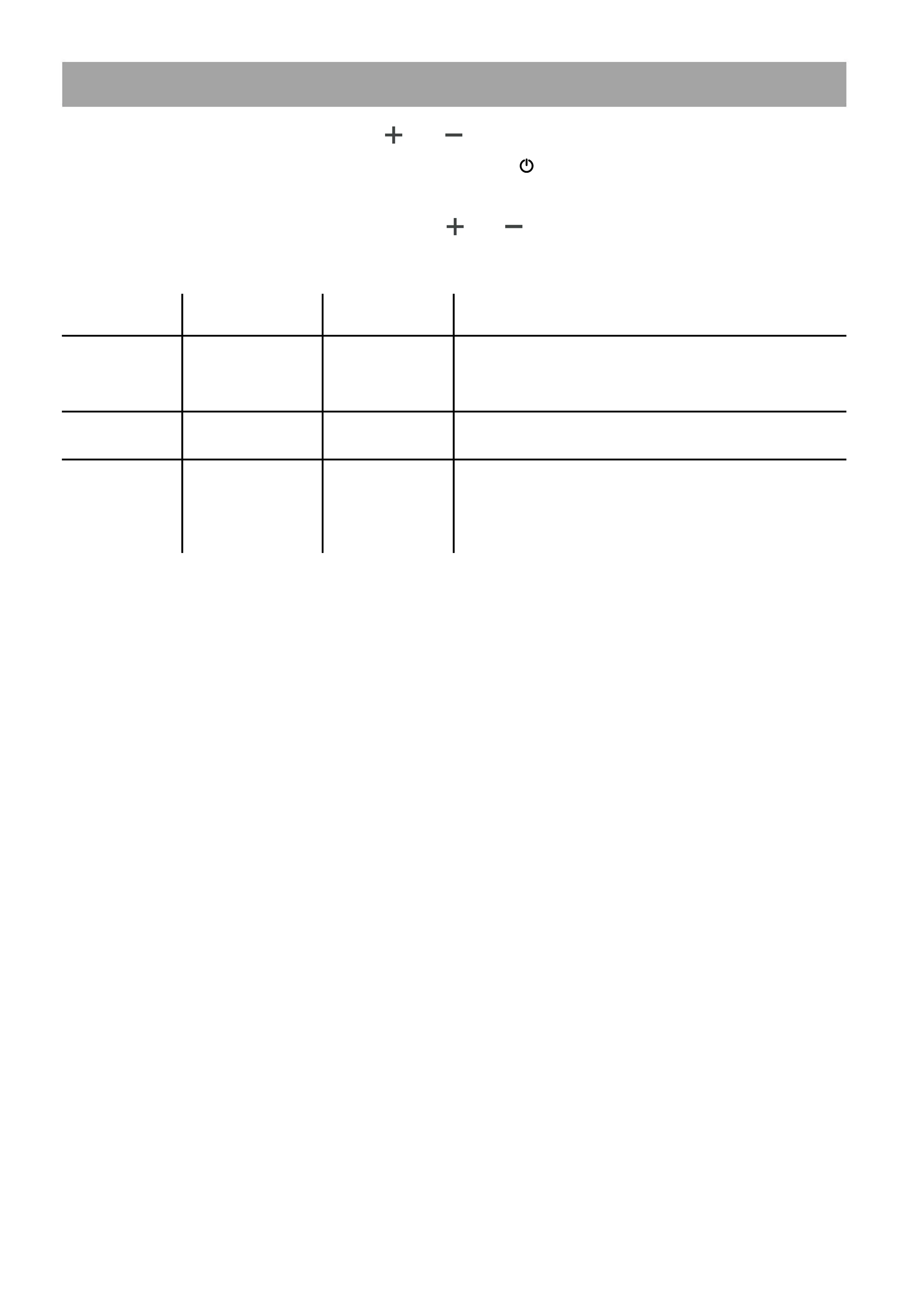
To change display settings, hold the and button simultaneously to enter into the
advanced settings menu. In this menu, clicking the'' ''button will toggle between each
numbered setting.
To adjust the value of each setting, click the and buttons accordingly.
Setting Function Default Explanation
P01
Brightness
2
Backlight display brightness. The darkest level
is 1, and the brightest level is 3.
LCD Display sleep timer. 0, no sleep; other
numbers are sleep time, range: 1-60; unit
minute.
0:KM 1:MILE
P02
Distance Units
1
P04
Sleep time
0
13



 To Next Page